Excel + Google Sheets
Ultimate Budget Planner
The last budget file you'll open this year, and next year. Recurring bills, one-off splurges, the sinking jars, the debt you're quietly killing and the net worth you haven't dared to check. One workbook, 30 tabs, zero subscriptions.
Coming to Etsy this week
Instant download on Etsy: Excel files plus a link to your own Google Sheets copy.
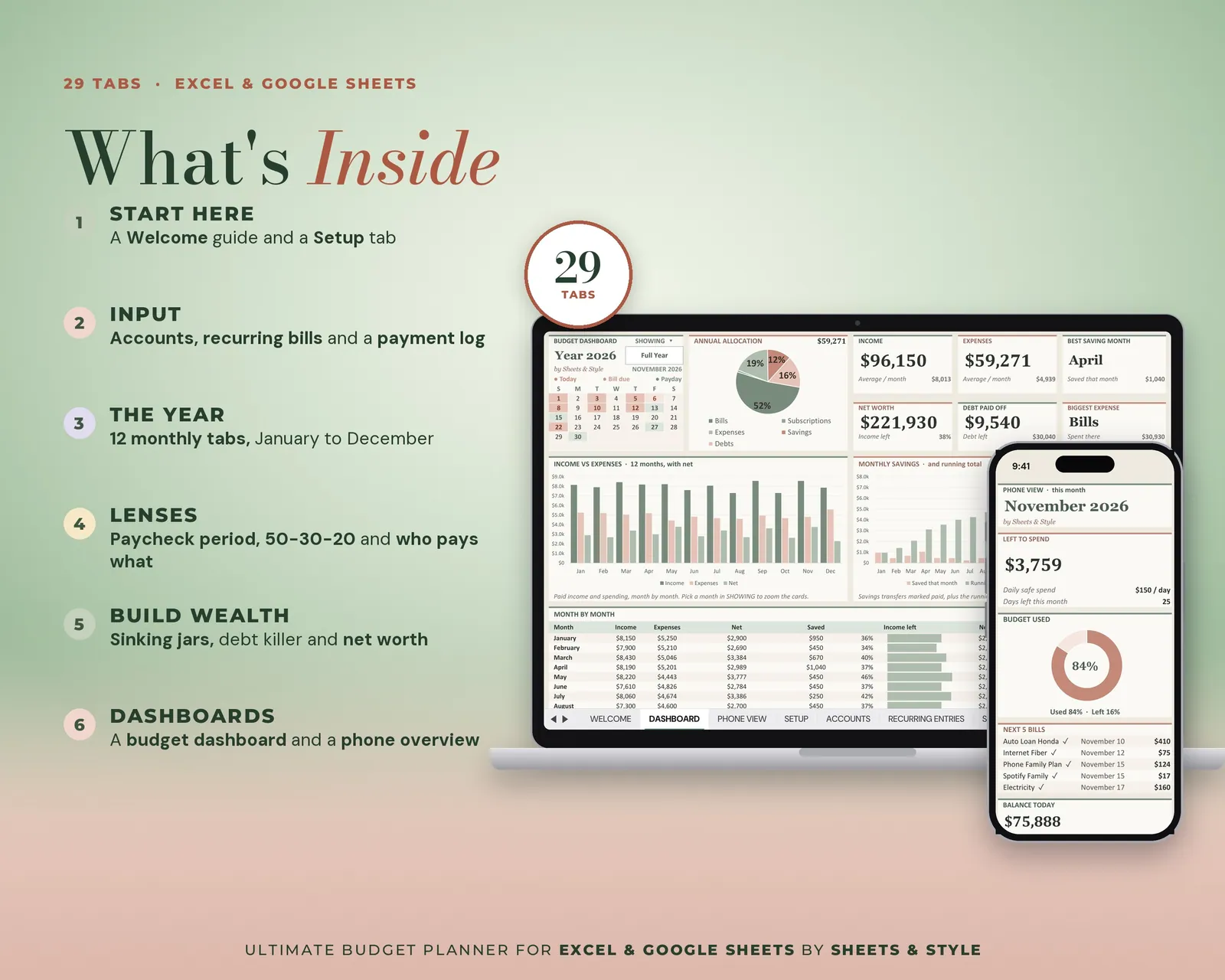
What’s inside · 30 tabs
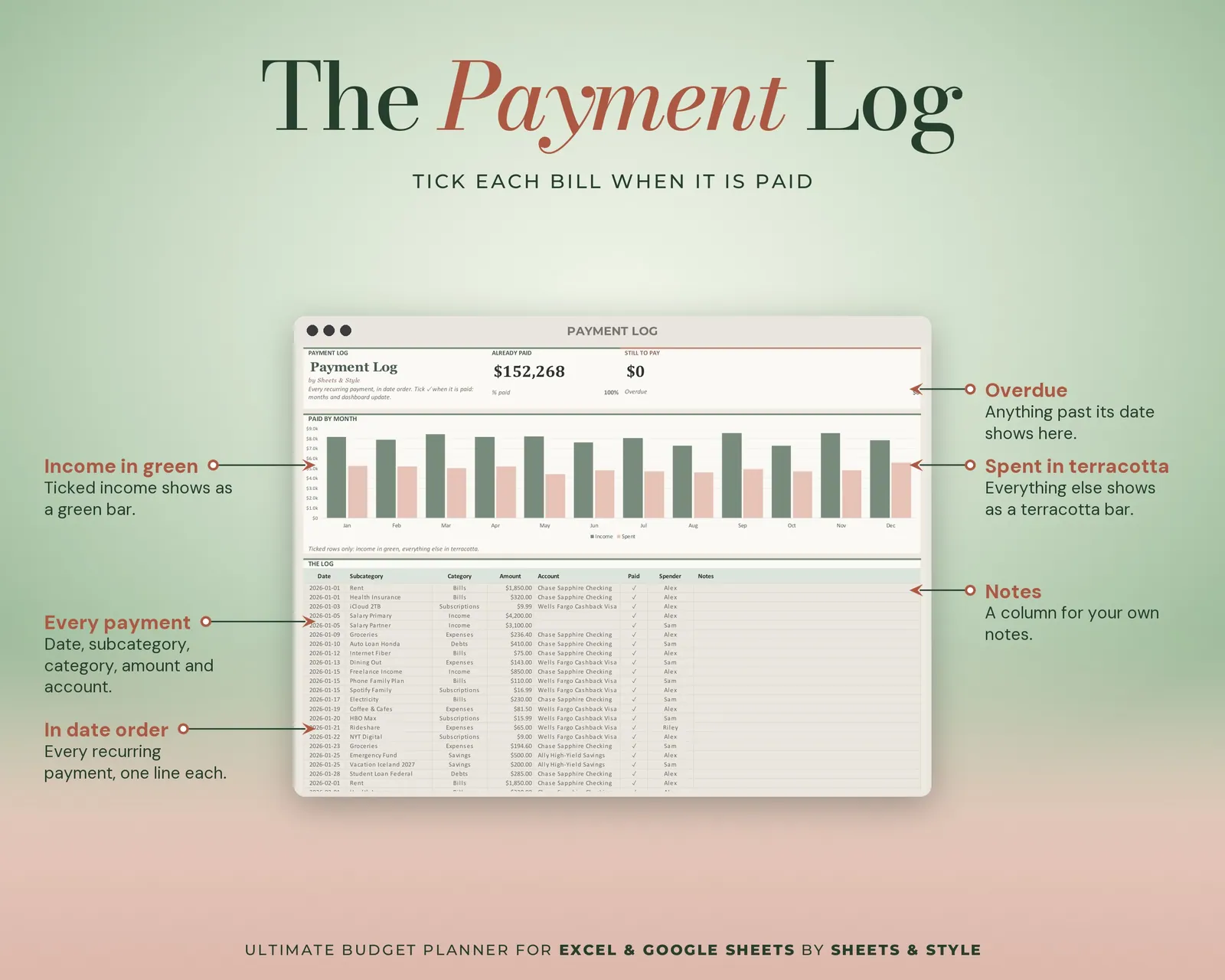
- Input: Accounts, Recurring Entries, Payment Log, One-Off Entries
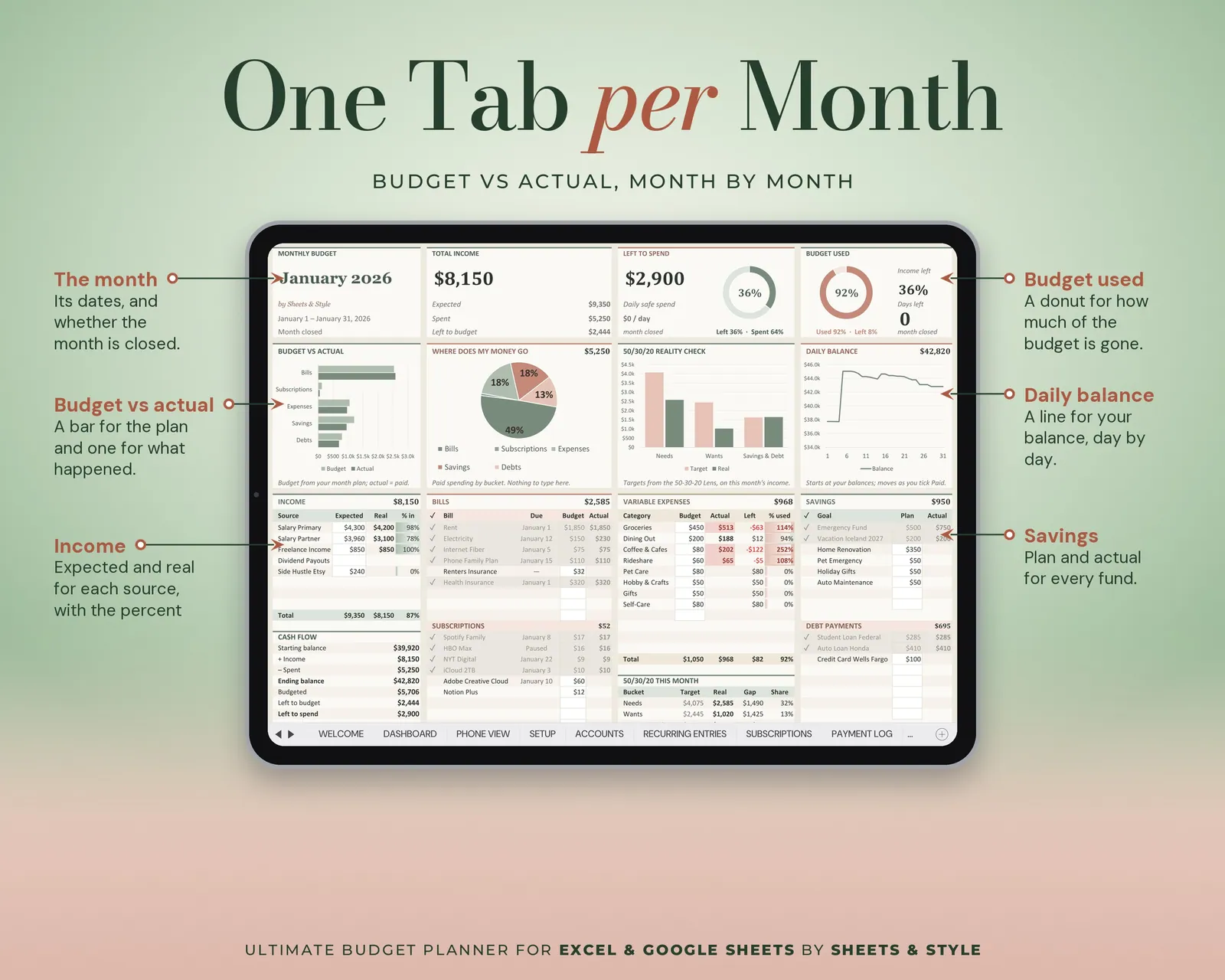
- The Year: A dedicated tab for every month, JAN through DEC
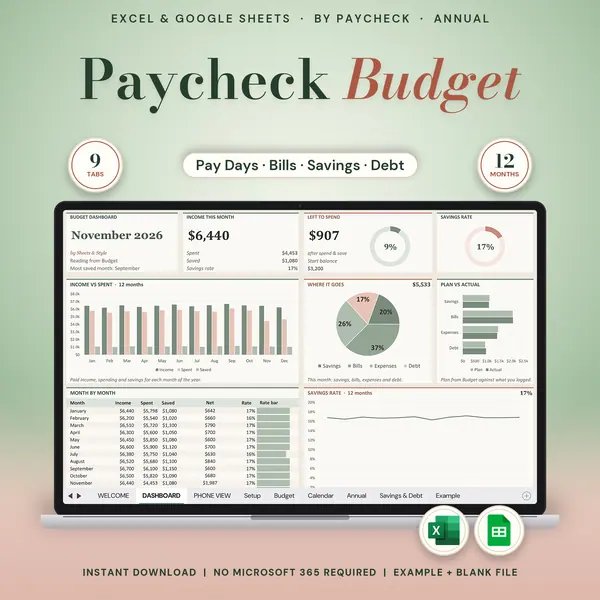
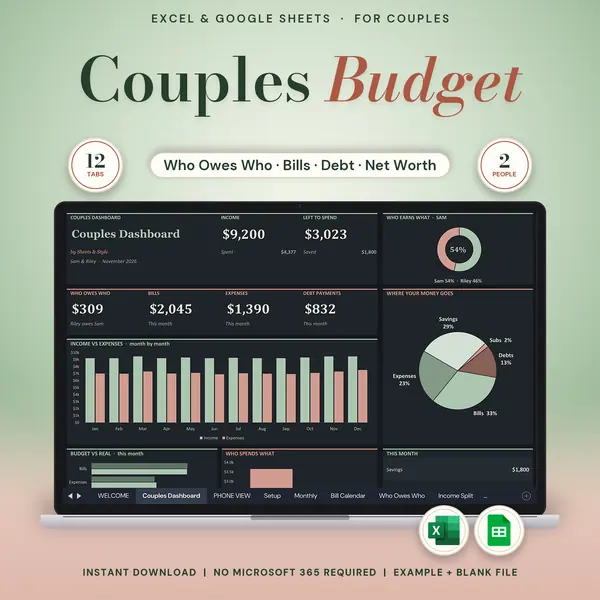
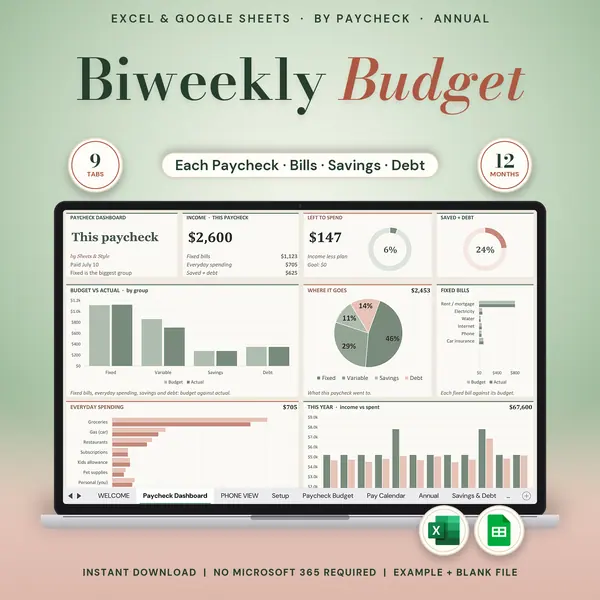
- Lenses: Paycheck Period, 50-30-20 Lens, Who Pays What (for couples and shared bills)
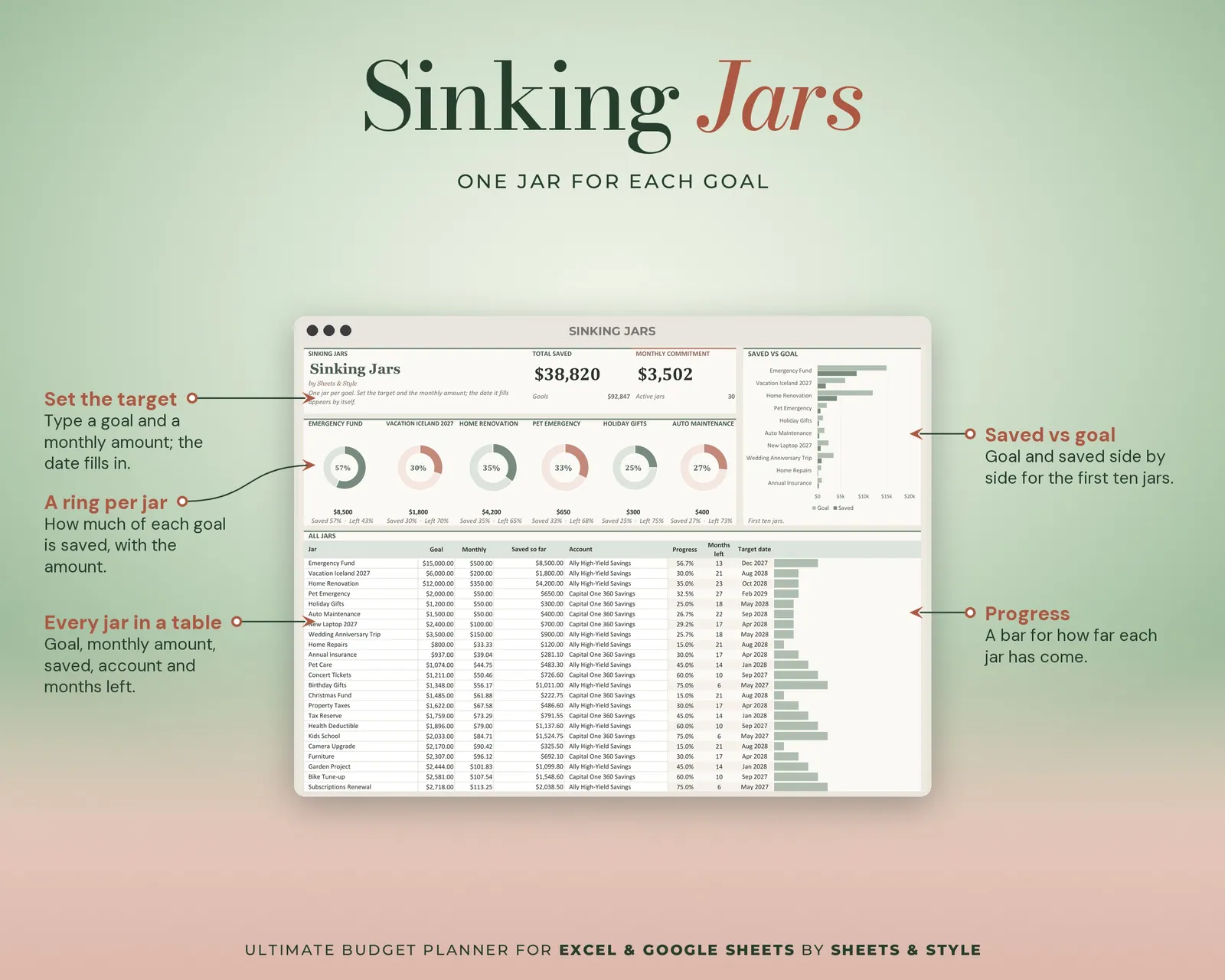
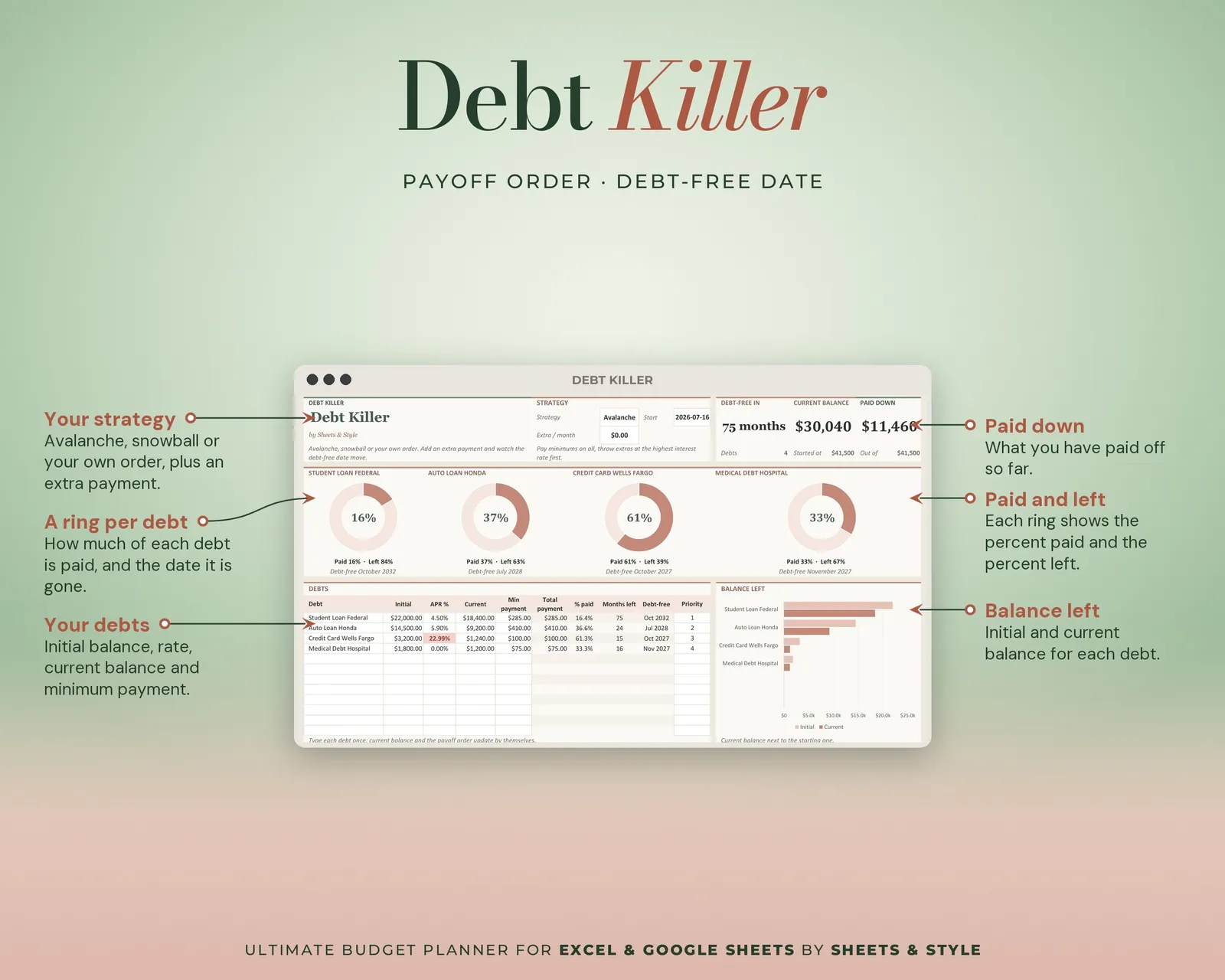
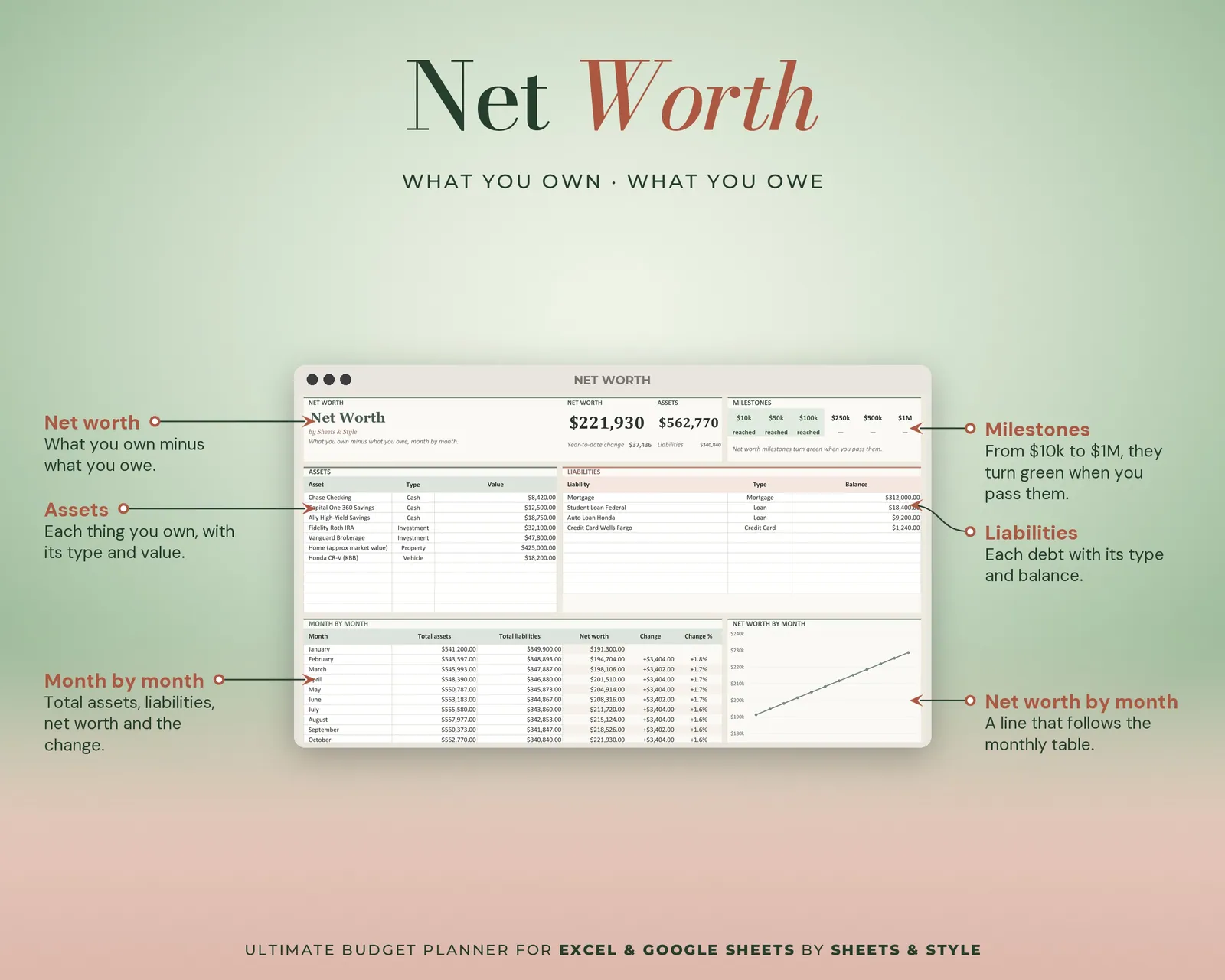
- Build Wealth: Sinking Jars, Debt Killer, Net Worth, Invest Forecast, No-Spend Streaks
- Dashboards: Budget Dashboard (right after Welcome), Yearly Overview, Annual Rollup, Month at a Glance
- Plus Welcome and Setup. A hidden config tab holds your dropdown lists.
Features
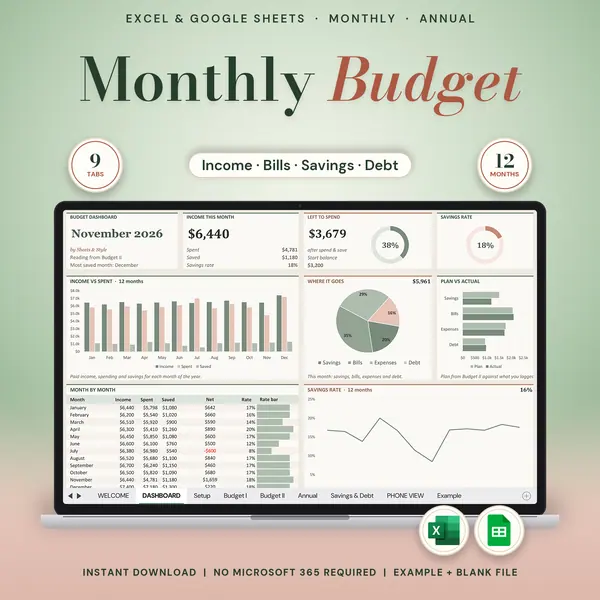
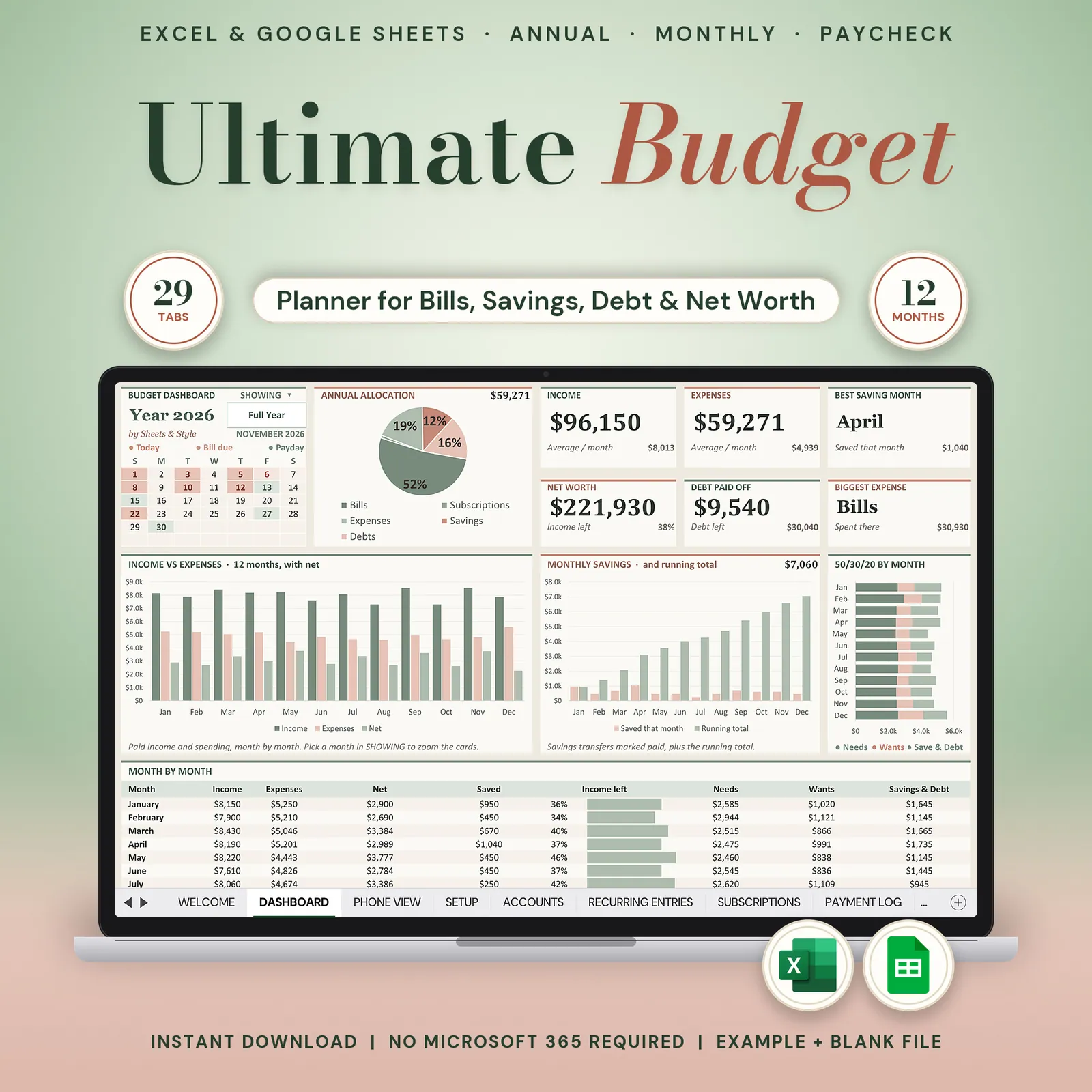
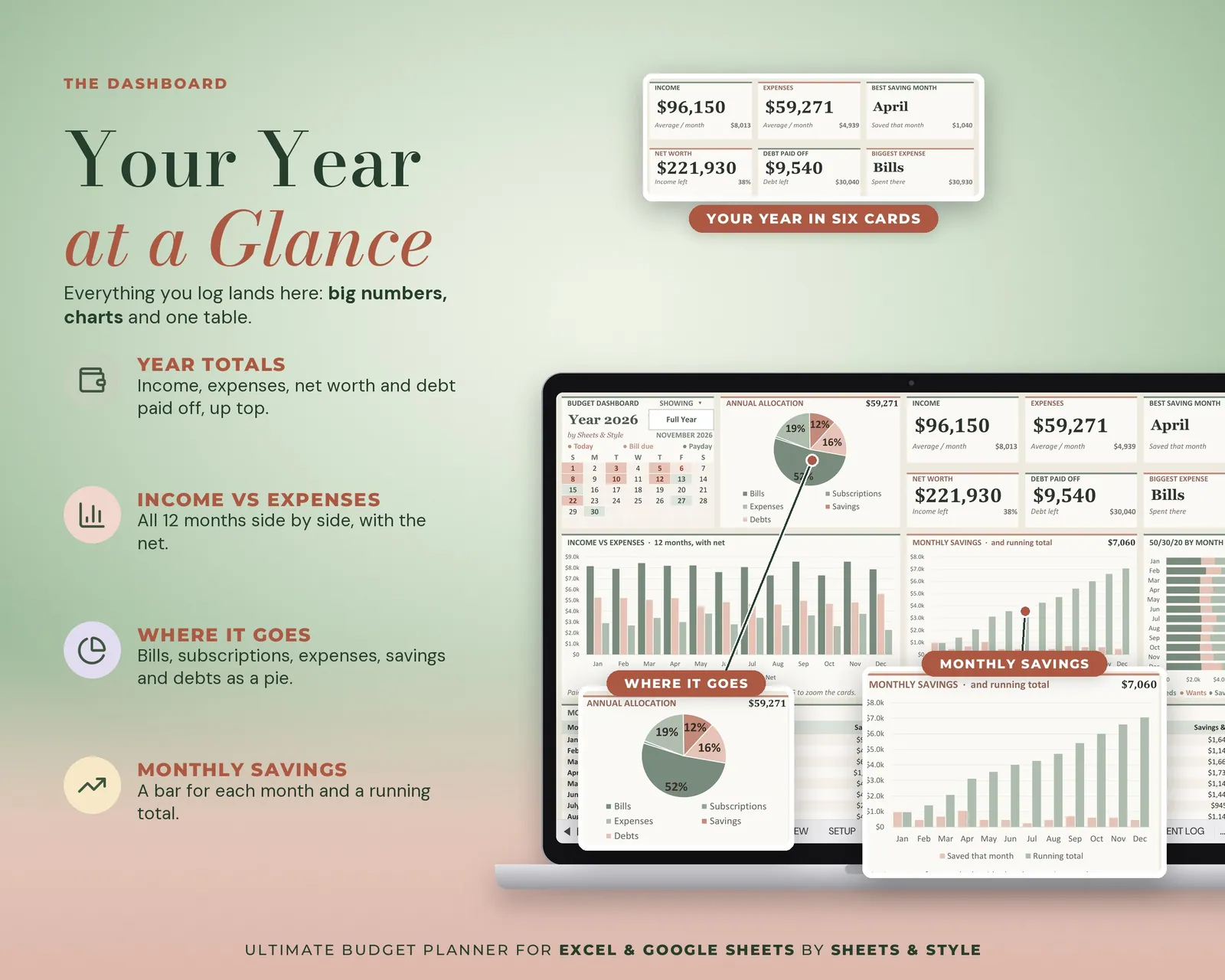
- Visual Budget Dashboard tab: big KPI cards (income, spent, left over, savings rate, net worth), donut and bar charts that update from your entries; pick a month or the full year to filter
- Debt Killer with real rollover: Avalanche, Snowball or your own priority order. Each paid-off payment moves to the next debt.
- Currency picker in Setup (USD / CAD / AUD / GBP / EUR): in the Excel version every amount switches to your symbol. Nothing is converted.
- Guardrails that catch mistakes: rows flag dates outside your year and warn before you double-count a recurring expense
- Clickable ribbon navigation and a days-left countdown on Setup
- Guided setup in 6 steps, roughly 12 minutes
- Filled EXAMPLE workbook + clean BLANK workbook included
- Excel AND Google Sheets versions, both in this listing
- Every formula tested before publishing
You’ll need
- Microsoft Excel 2016 or newer (desktop; Microsoft 365 not required) or a free Google account for the Google Sheets version.
- Desktop or laptop: with 30 tabs, a phone is for checking, not for building.
More in Budget