Excel + Google Sheets
Monthly Budget Planner
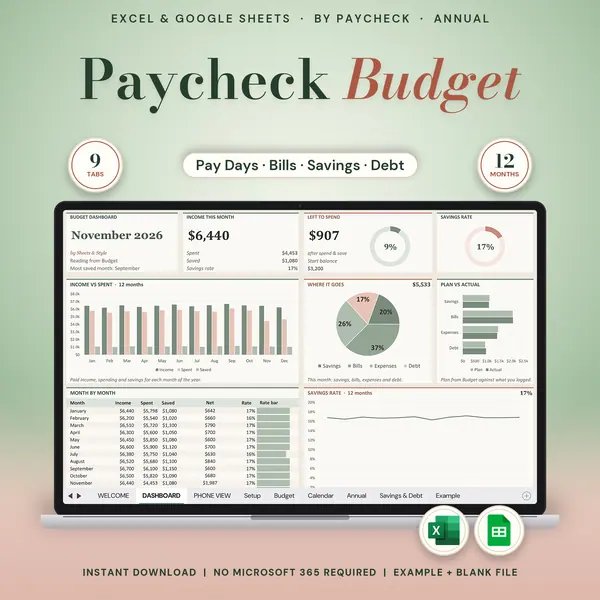
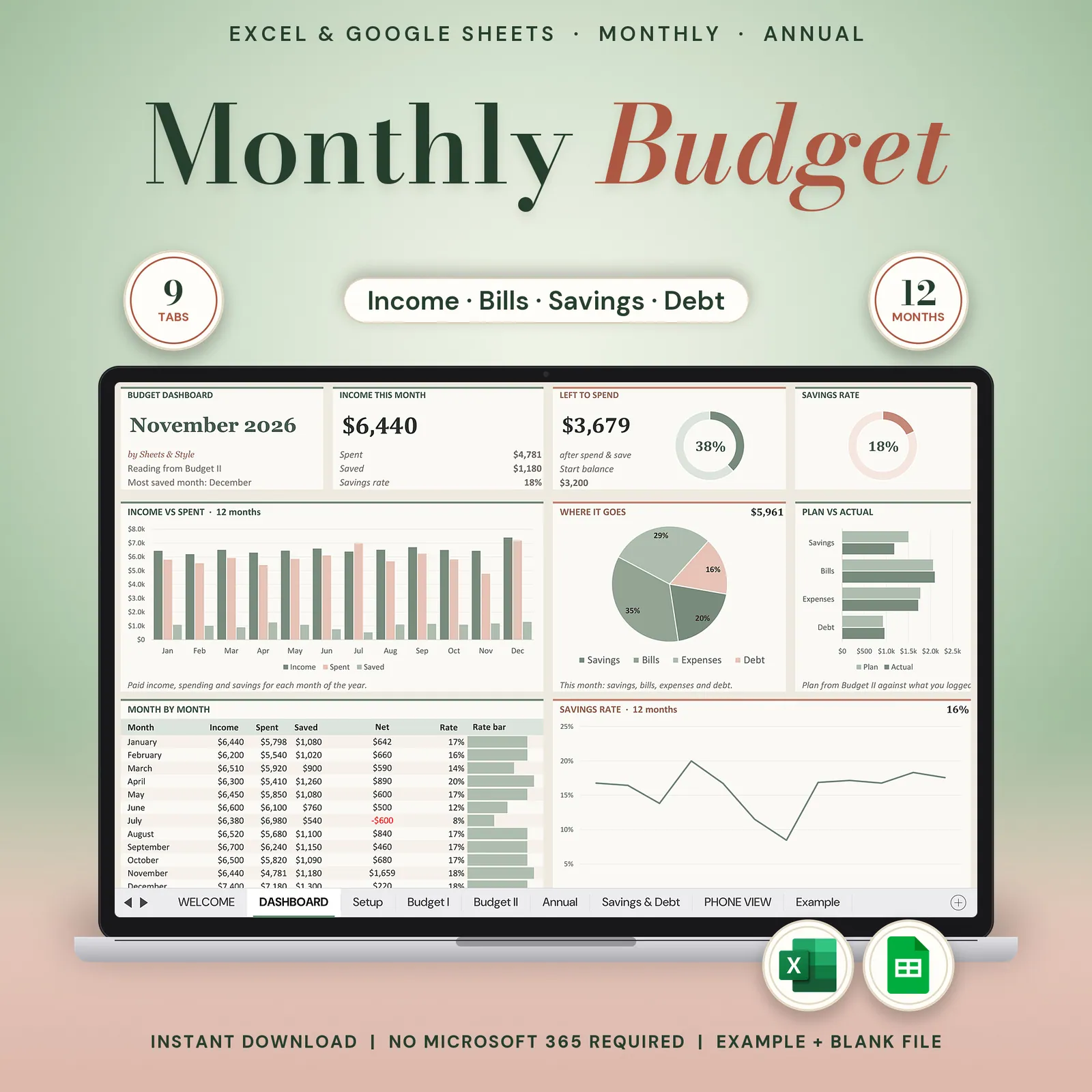
Budget planner for Google Sheets and Excel: a monthly budget spreadsheet made for beginners, with a bill tracker, savings goals and debt payoff on one dashboard.
Your whole month of money on one screen. Set it up once, type your numbers, and watch the totals and charts calculate themselves, with the year panel alongside. No formulas to build. No 40-tab maze. Just a budget you'll actually open again next month.
Coming to Etsy this week
Instant download on Etsy: Excel files plus a link to your own Google Sheets copy.
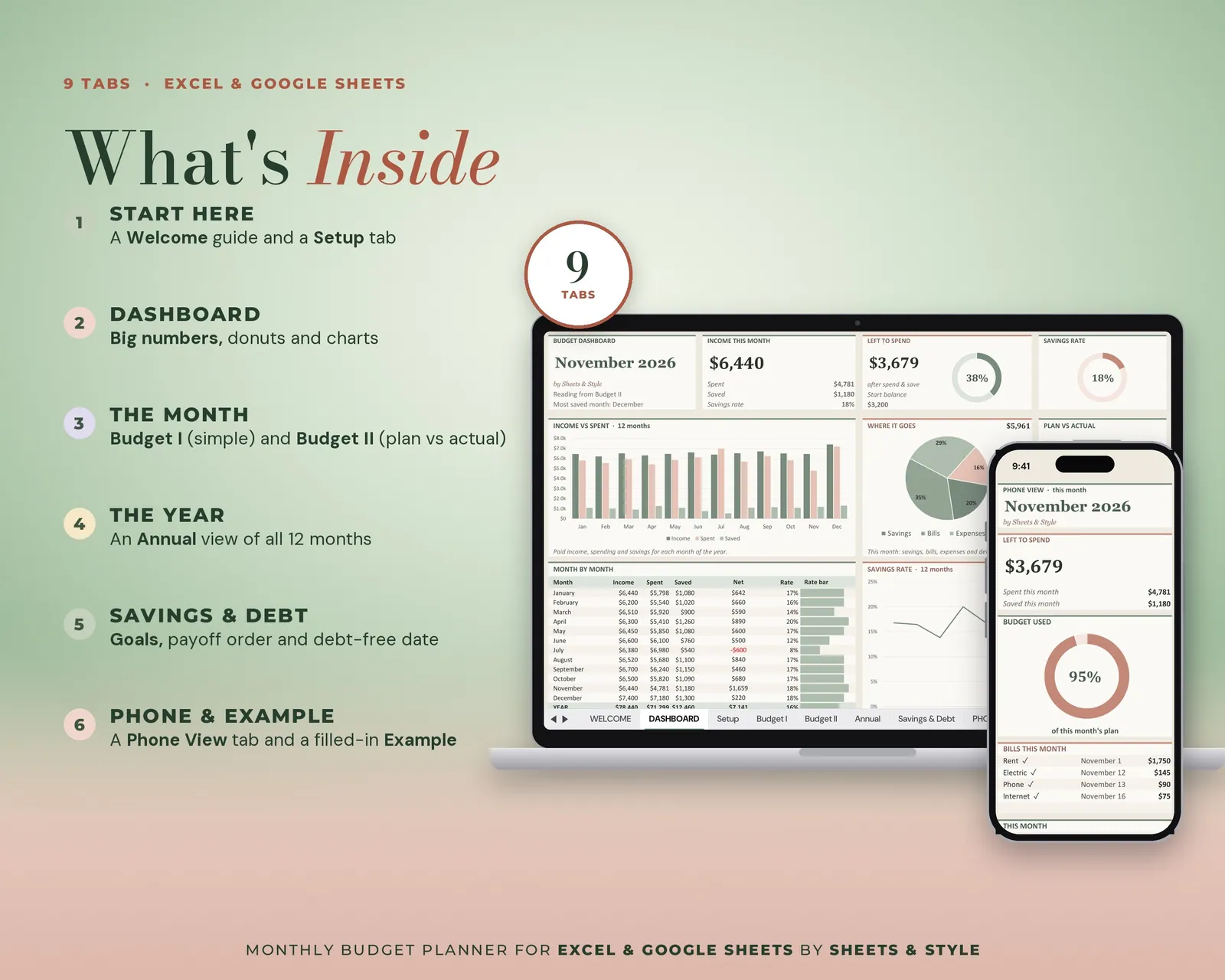
What’s inside · 8 tabs
- Welcome: Quick-start guide, so you're budgeting in minutes
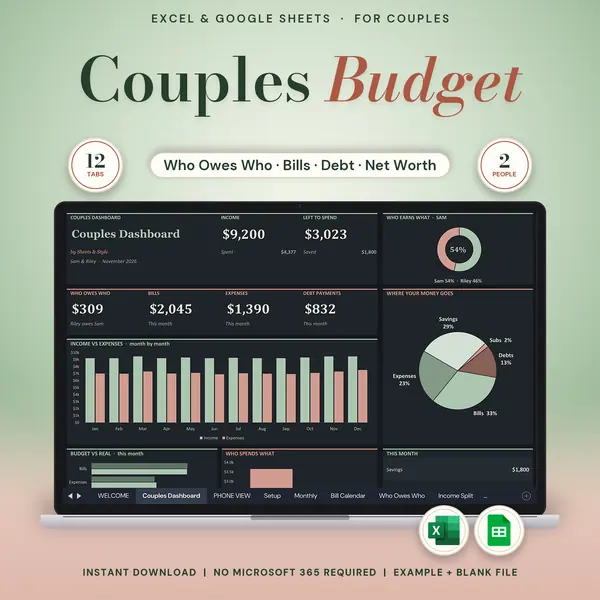
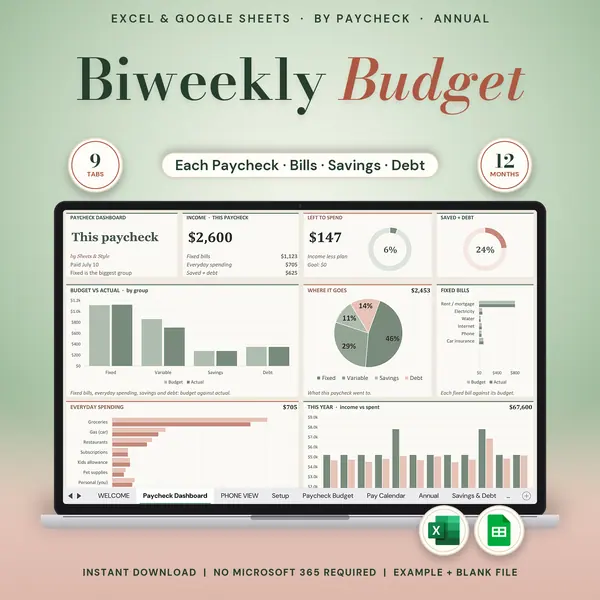
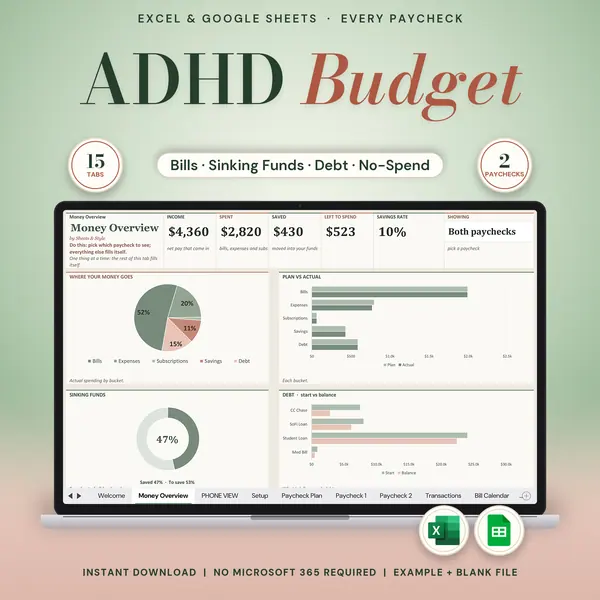
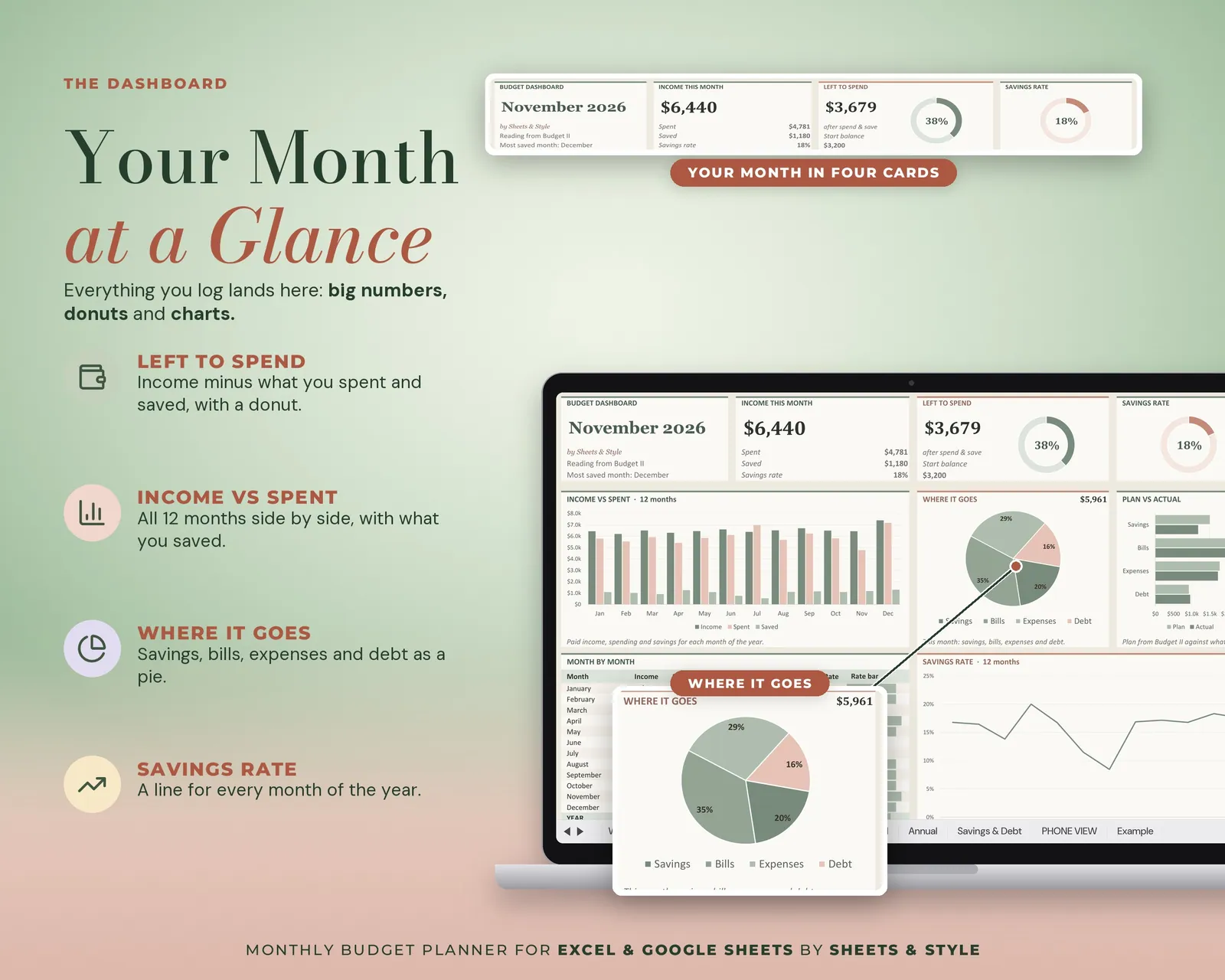
- Dashboard: Big KPI cards, donut and bar charts that show where your month stands
- Setup: Month, year and starting balance + your own income, bill, savings, debt and expense categories
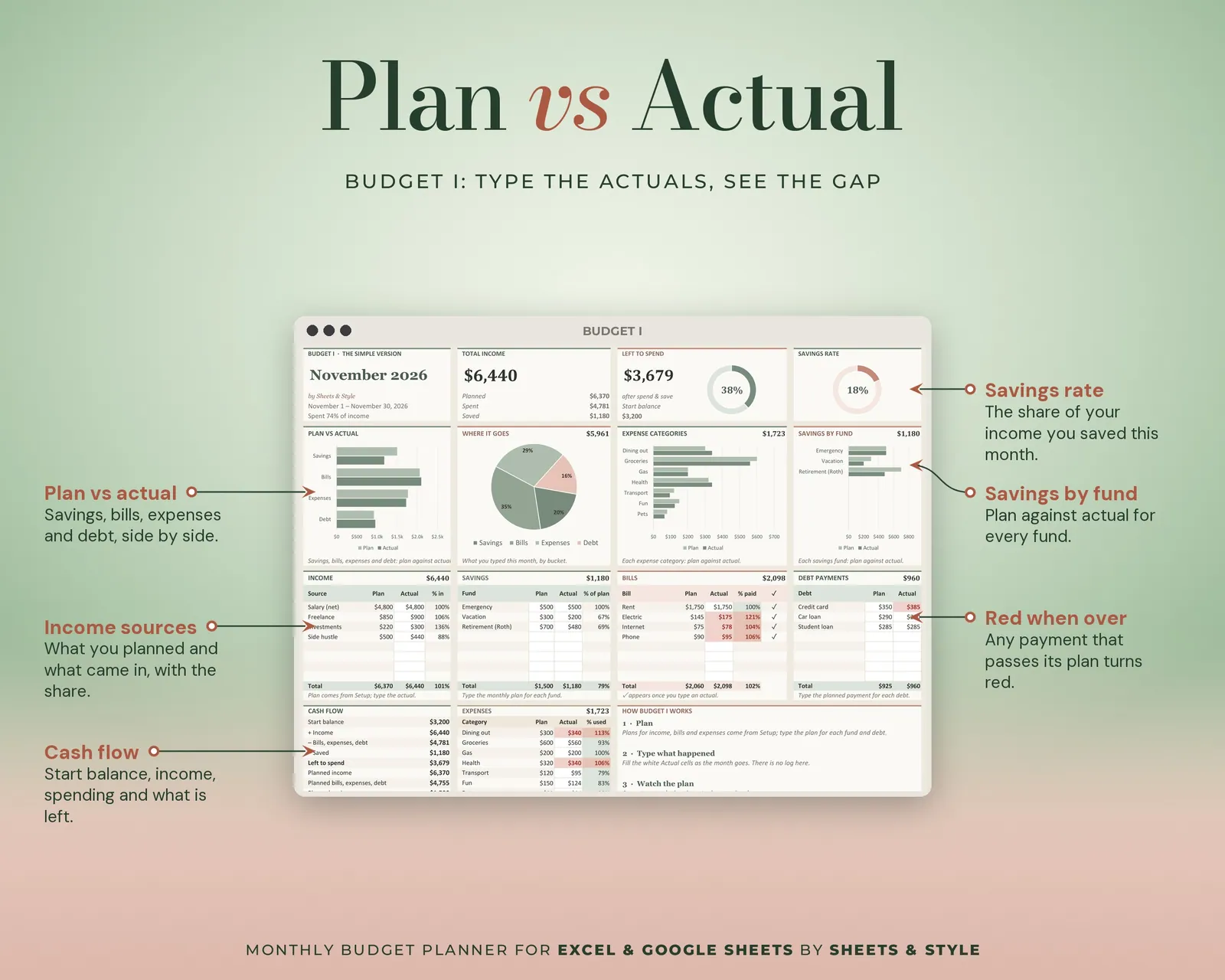
- Budget I: Income, bills, savings and debt. Planned vs actual
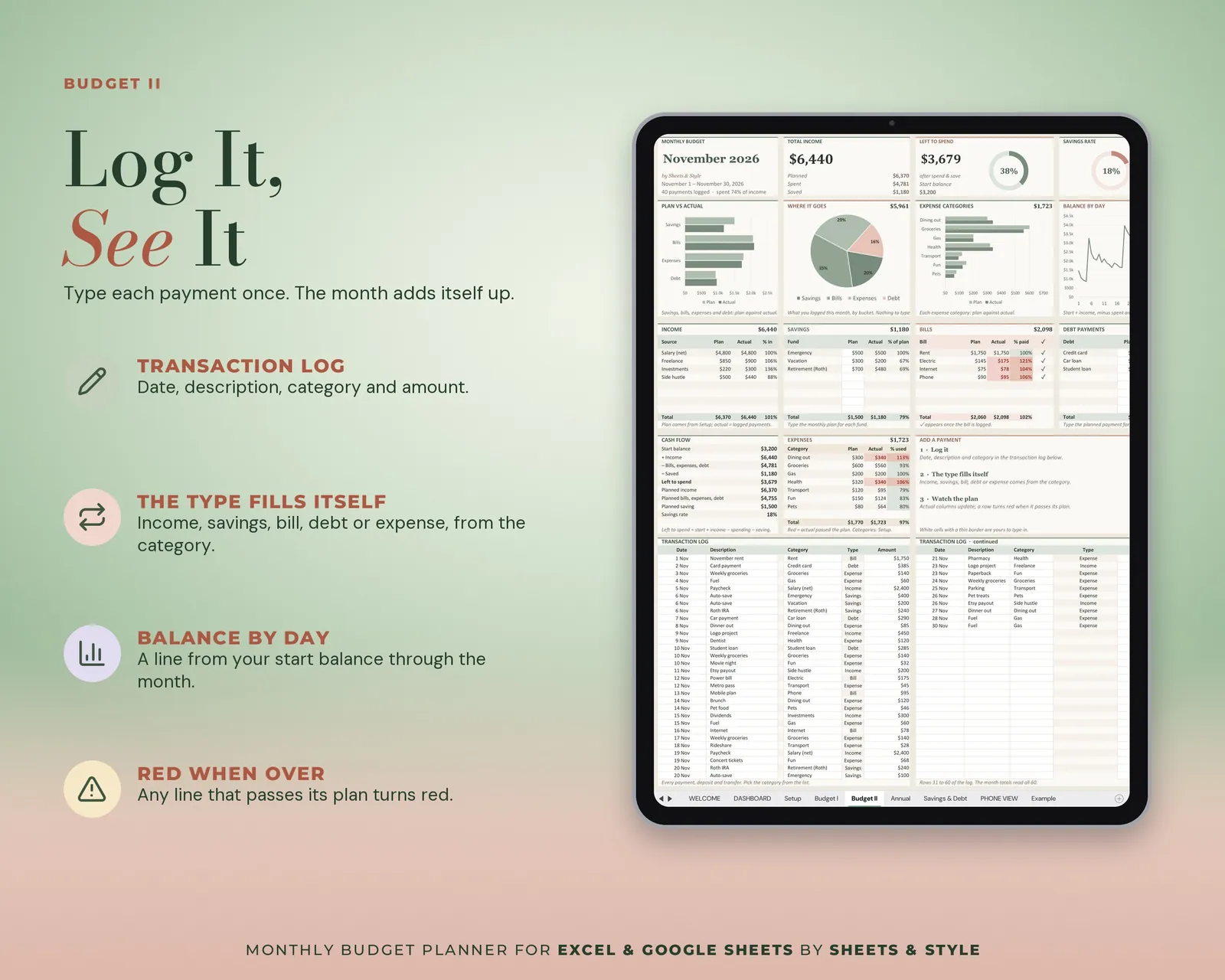
- Budget II: The same planned-vs-actual panel as Budget I, for a second month or scenario, plus a running-balance-by-day chart (you type the dates and balances into a helper table in the hidden columns)
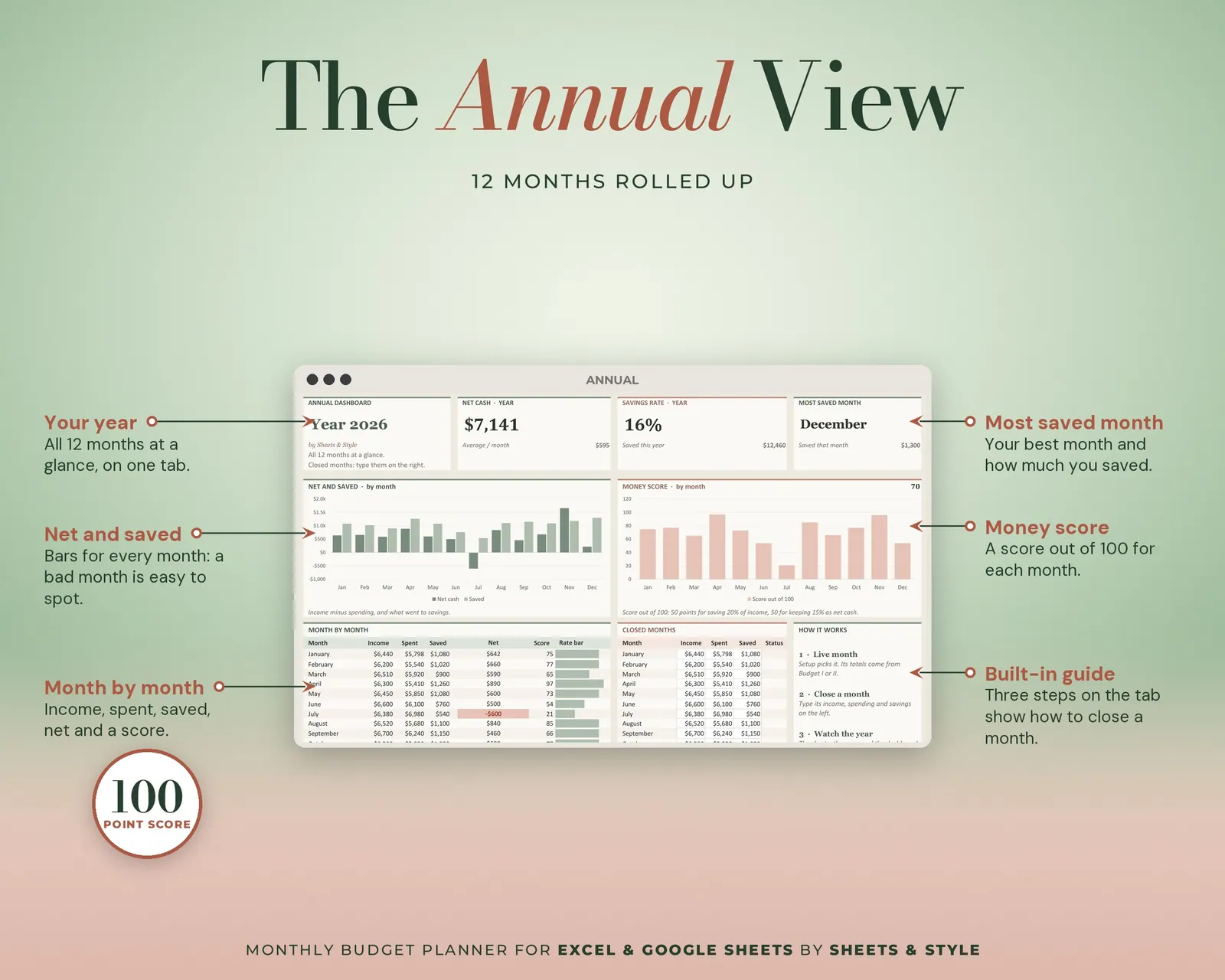
- Annual: Your 12 months rolled up in one view (you type each month's income, spending and savings; the total, average, best month and charts calculate)
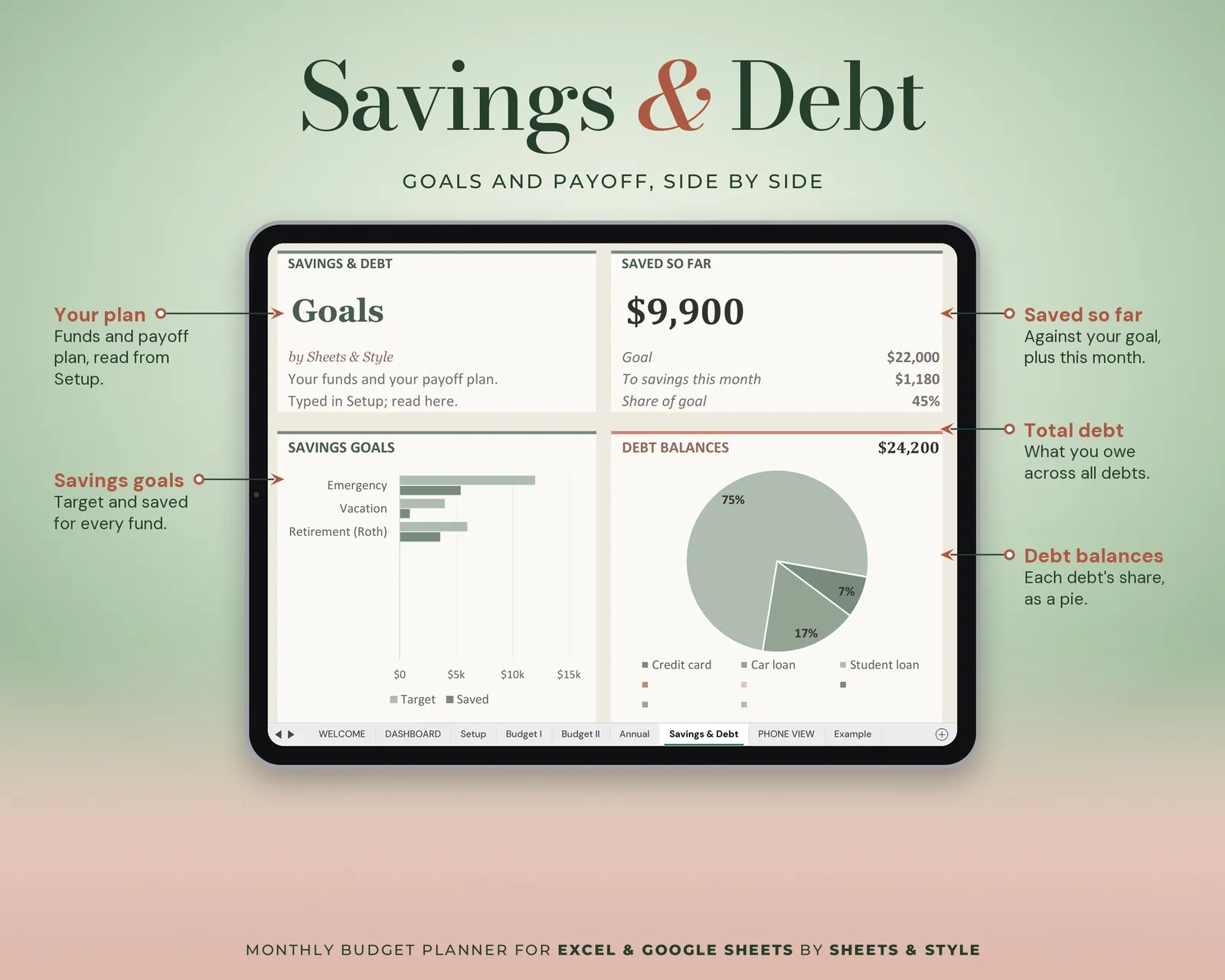
- Savings & Debt: Savings goals and debt payoff side by side
- Example: A fully filled-in month so you always know what "done" looks like
Features
- Visual Dashboard tab: big KPI cards (income, spent, saved, left to spend, savings rate), donut and bar charts that update from your entries
- Auto-calculated on the monthly and annual panels: totals, differences and charts update as you type
- Amounts shown in dollars ($): the currency picker in Setup changes only a label, so if you budget in another currency, just type your amounts in it
- Pick the month and year in Setup (2024 to 2030) and start whenever you like: it's never "too late" to begin
- Your categories, not ours: rename every income, bill and expense line
- Two files included: a filled EXAMPLE workbook + a clean BLANK workbook
- Excel AND Google Sheets versions, both in this listing
- Every formula tested before publishing
You’ll need
- Microsoft Excel 2016 or newer (desktop; Microsoft 365 not required) or a free Google account for the Google Sheets version.
- Best on desktop or laptop. Viewing and light editing work in the mobile apps.
More in Budget