Excel + Google Sheets
Sinking Funds Tracker
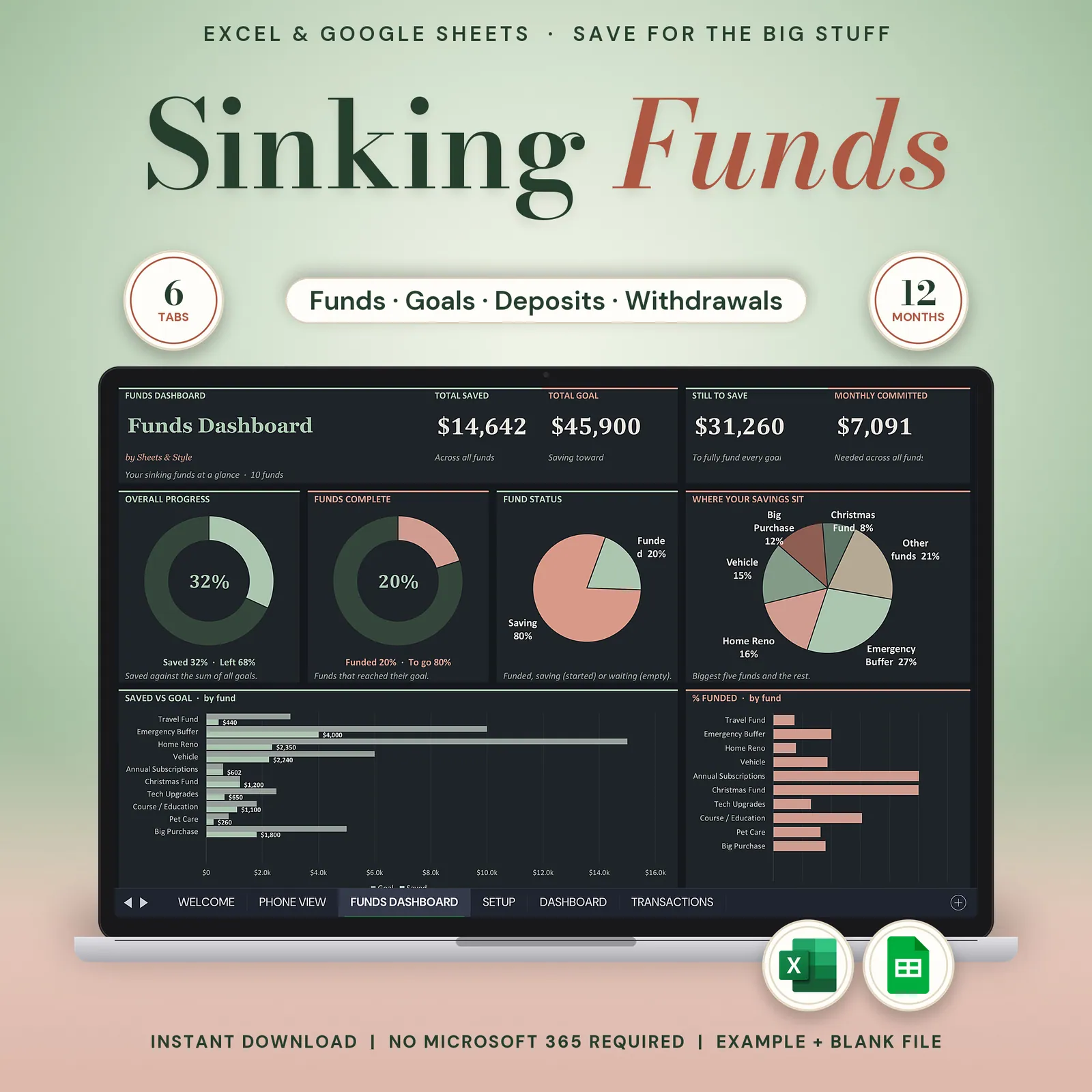
Sinking funds tracker in dark mode for Google Sheets and Excel: up to 24 savings goals, each with its goal date, monthly amount and progress, plus a log of every deposit and withdrawal.
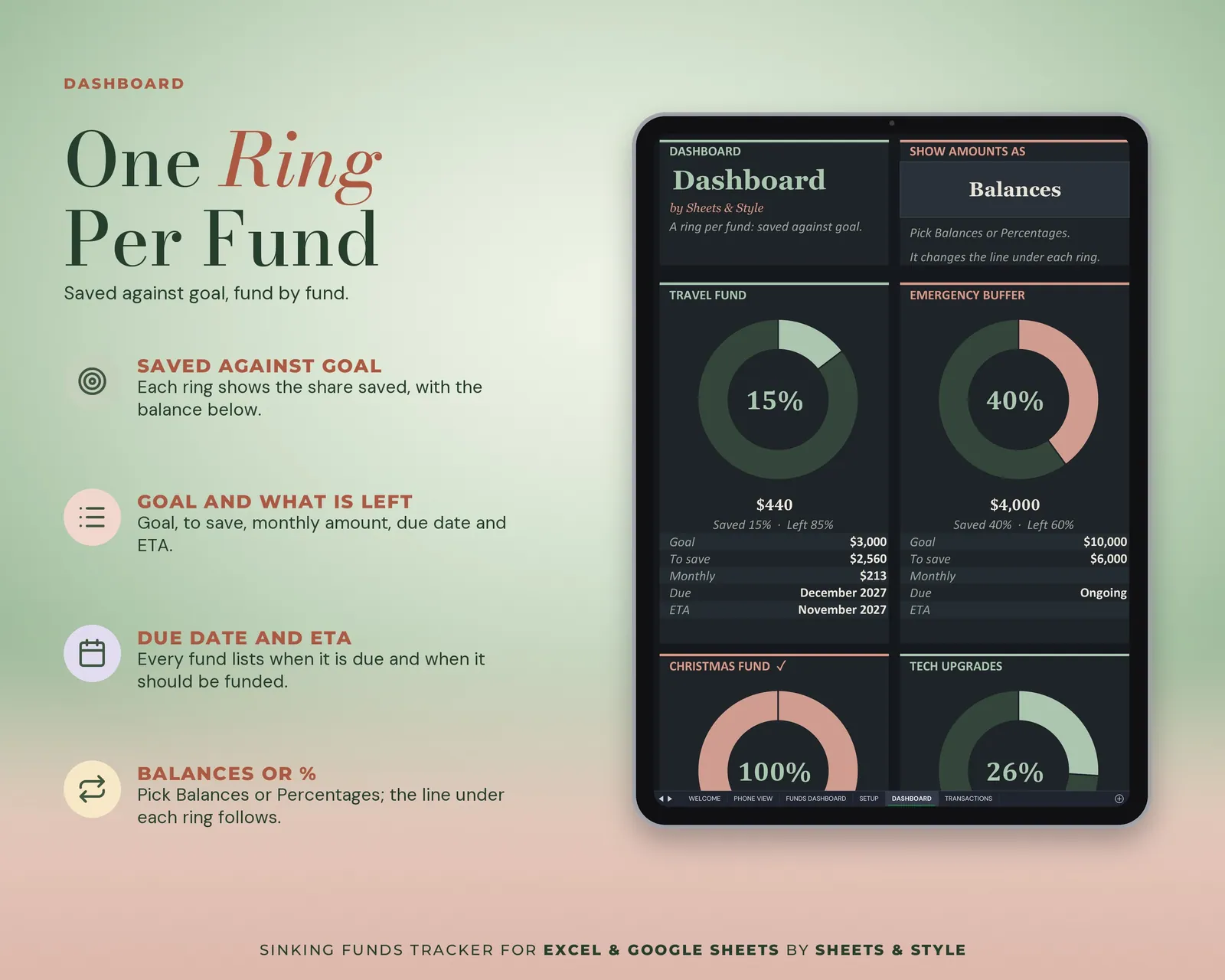
Christmas, the car repair, the trip, the "please not again" emergency buffer: every goal gets its own fund, its own progress ring and its own monthly number. You stop asking "how much should I put away this month?" The sheet already worked it out.
Coming to Etsy this week
Instant download on Etsy: Excel files plus a link to your own Google Sheets copy.
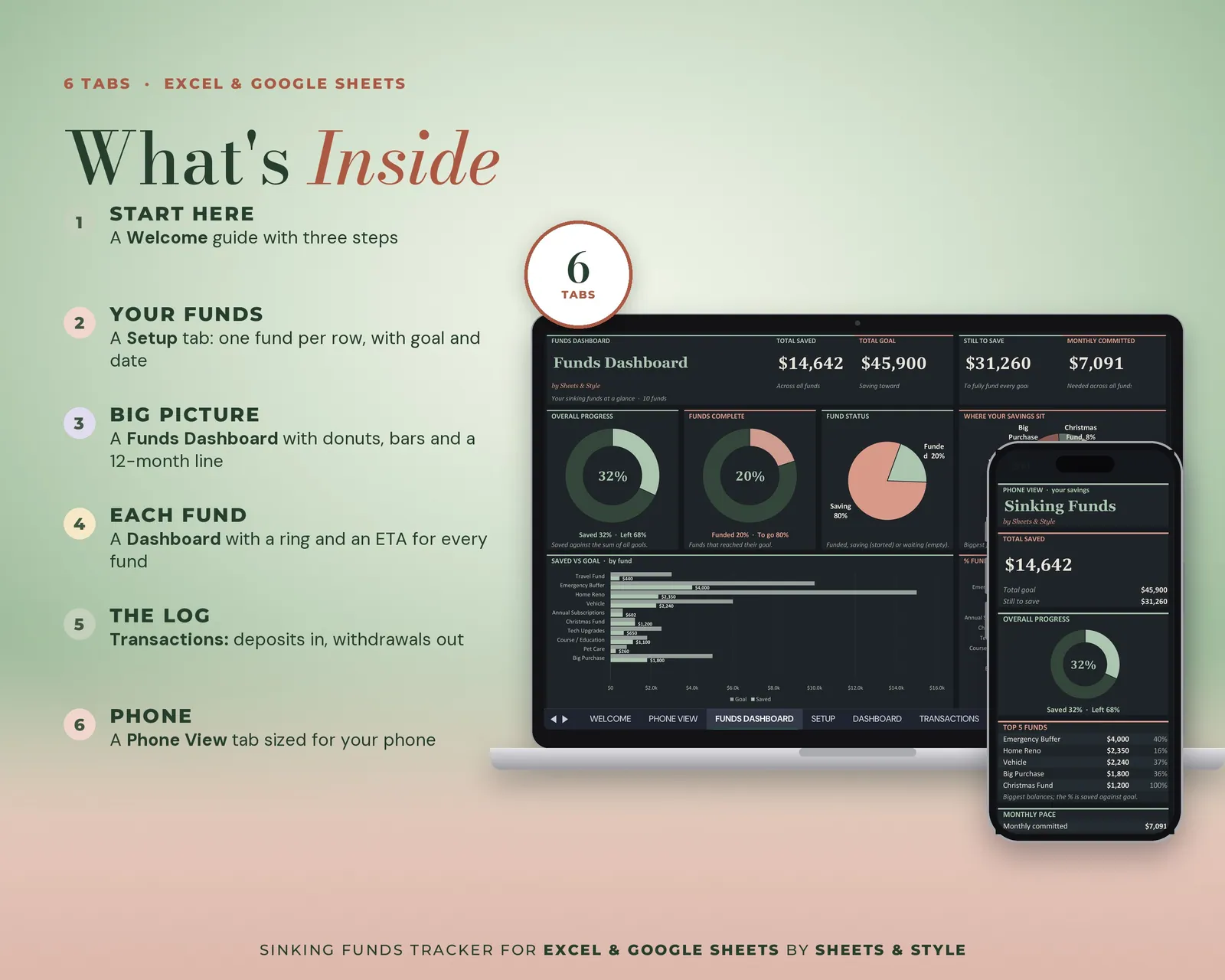
What’s inside · 5 focused tabs
- Welcome: How it works, quick links and a step-by-step START HERE guide
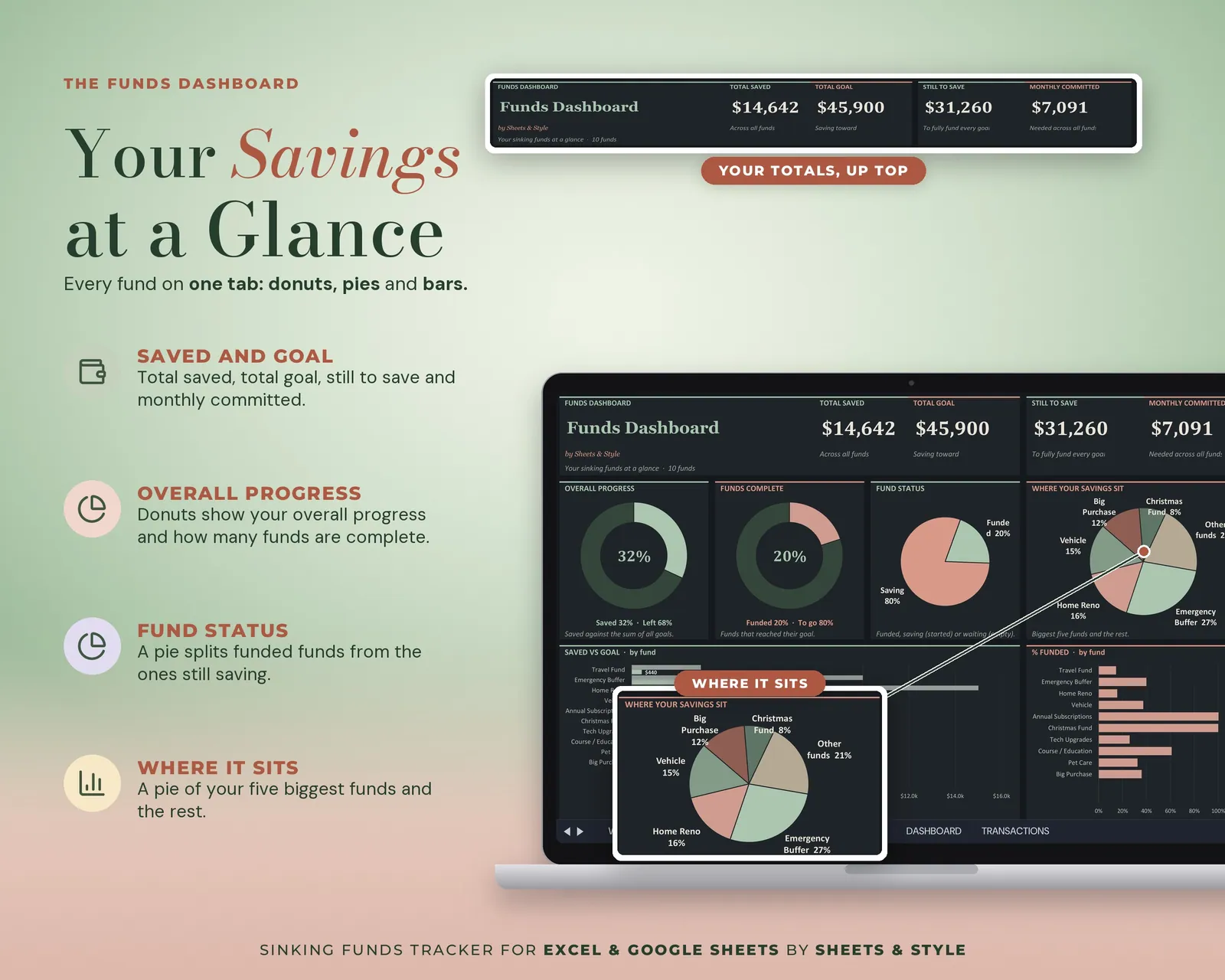
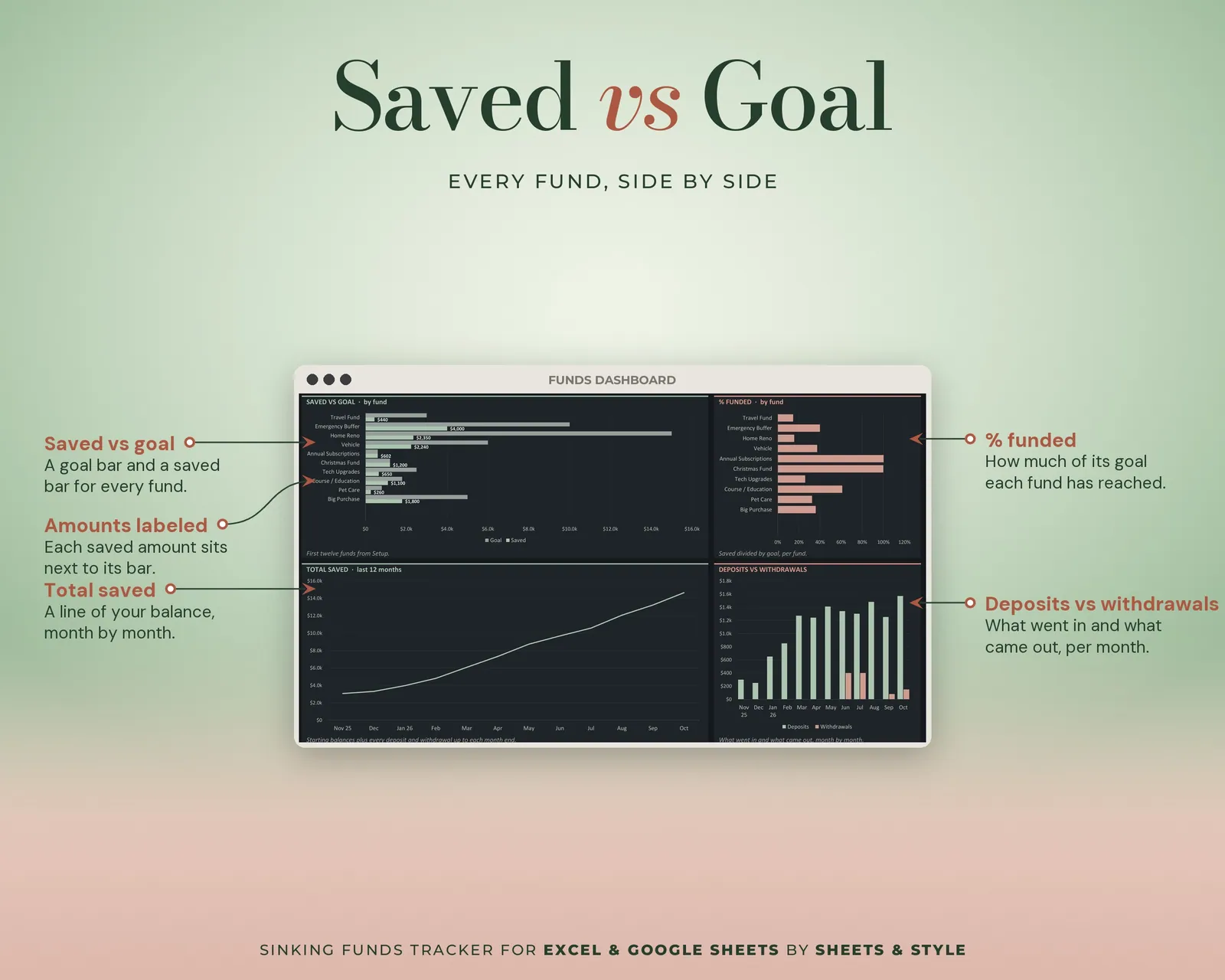
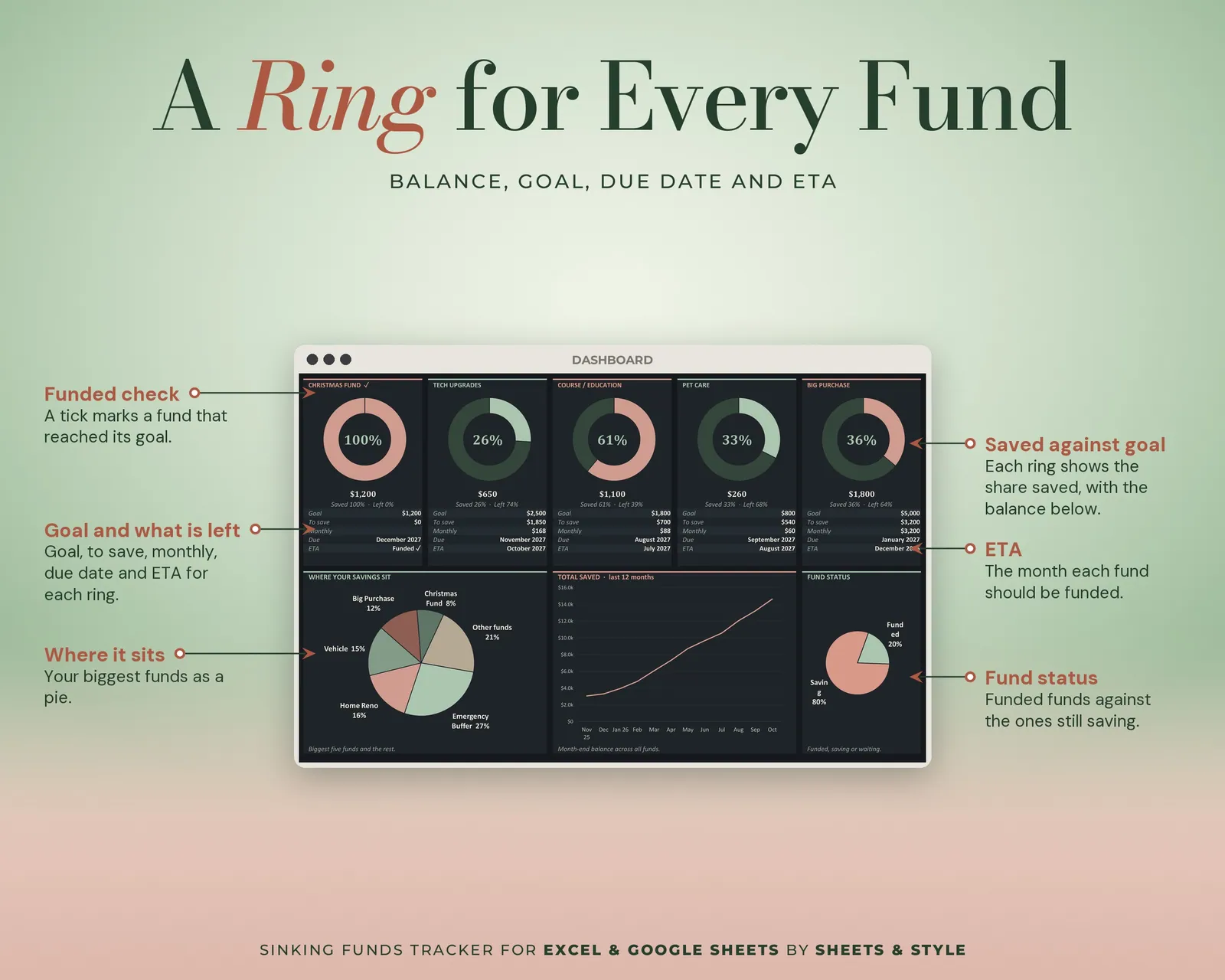
- Funds Dashboard: Big KPI cards, donut and bar charts. Saved vs goal, fund status, % funded by fund
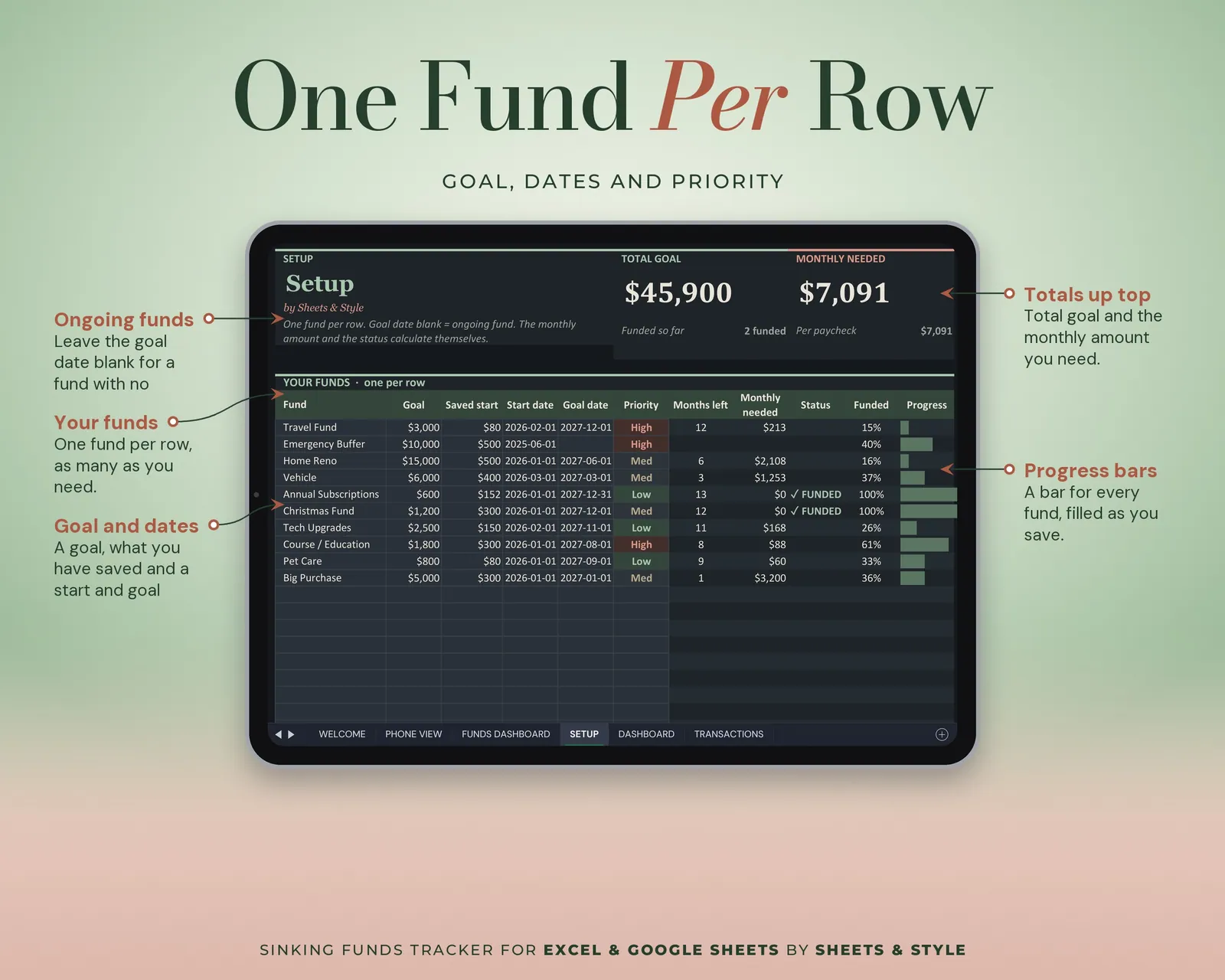
- Setup: One fund per row. Name, goal, saved so far, start date, goal date, priority. 24 slots, 10 sample funds ready to rename.
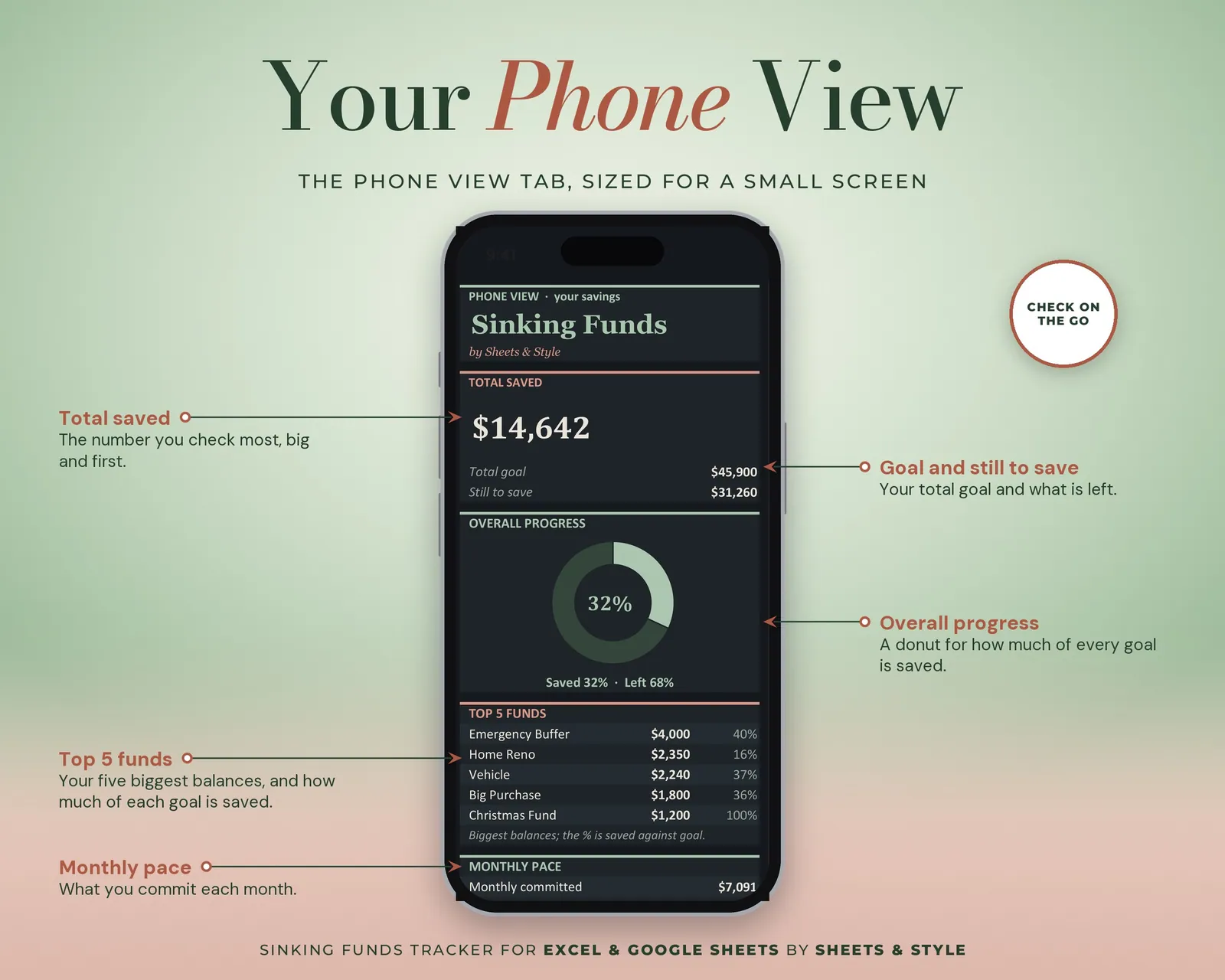
- Dashboard: Total saved, overall progress, monthly committed, ETA per fund, allocation and progress charts, 12-month savings velocity, and a balances / percentages toggle
- Transactions: Log contributions (+) and withdrawals (−) with a fund dropdown; totals, net flow and every chart update themselves
Features
- Visual Funds Dashboard tab: big KPI cards (total saved, total goal, progress, still to save, funds complete), donut and bar charts of your funds that update from your entries
- Automatic monthly contribution per fund: goal, date and balance decide it, not you
- 24 fund slots with priority levels (High / Medium / Low)
- Ongoing funds supported: leave the goal date blank for an open-ended buffer
- Achieved-goals section and milestone ETAs
- Any currency: amounts are shown with $; the currency picker in Setup (USD / EUR / GBP / CAD / AUD / MXN / ARS) is a label and doesn't convert anything
- Filled EXAMPLE workbook + clean BLANK workbook included
- Excel AND Google Sheets versions, both in this listing
You’ll need
- Microsoft Excel 2019 or newer (desktop). This file uses a 2019+ function, so Excel 2016 shows an error on some cells.
- Or a free Google account for the Google Sheets version, which has no version limits at all.
- Best on desktop or laptop.
More in Budget