Excel + Google Sheets
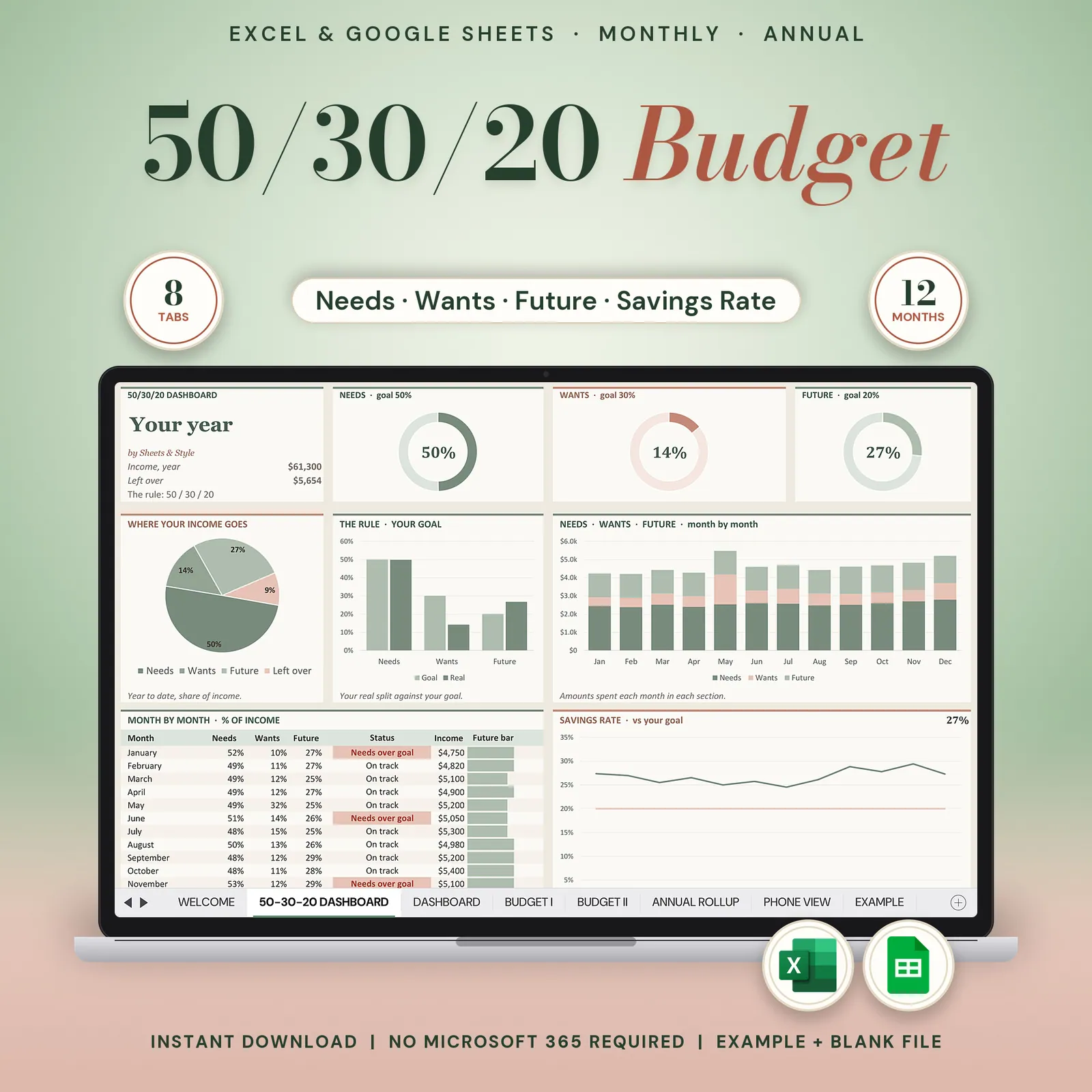
50/30/20 Annual Budget
50 30 20 budget spreadsheet for Google Sheets and Excel: split each month into needs, wants and savings, see where you stand against the 50/30/20 rule and roll the whole year into one view.
The 50/30/20 rule, in a spreadsheet that does the split for you. Type your income and log your spending, the dashboard shows exactly how you're tracking against needs, wants and savings, month by month and across the whole year.
Coming to Etsy this week
Instant download on Etsy: Excel files plus a link to your own Google Sheets copy.
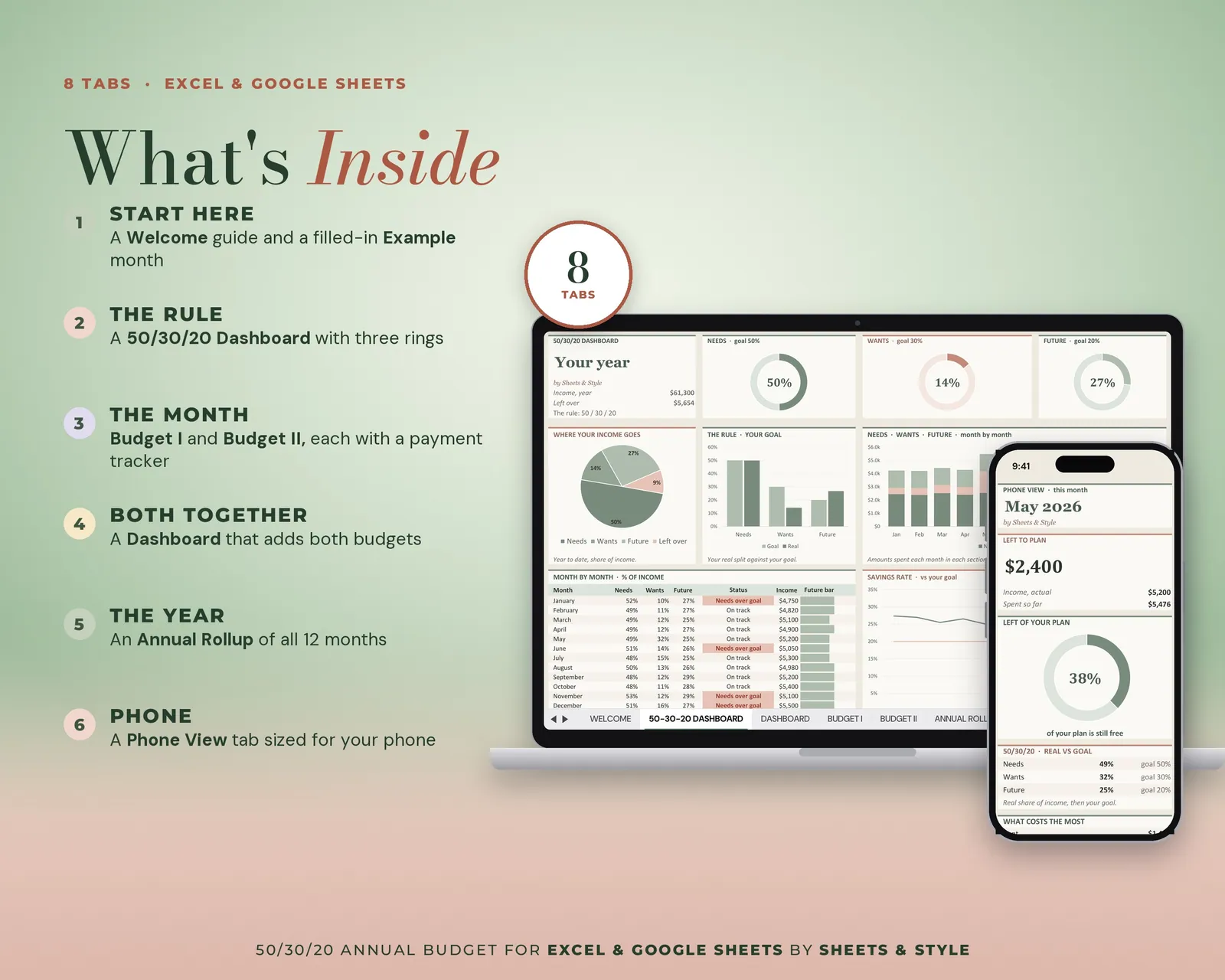
What’s inside · 7 tabs
- Read Me: Quick start, so you're budgeting in minutes
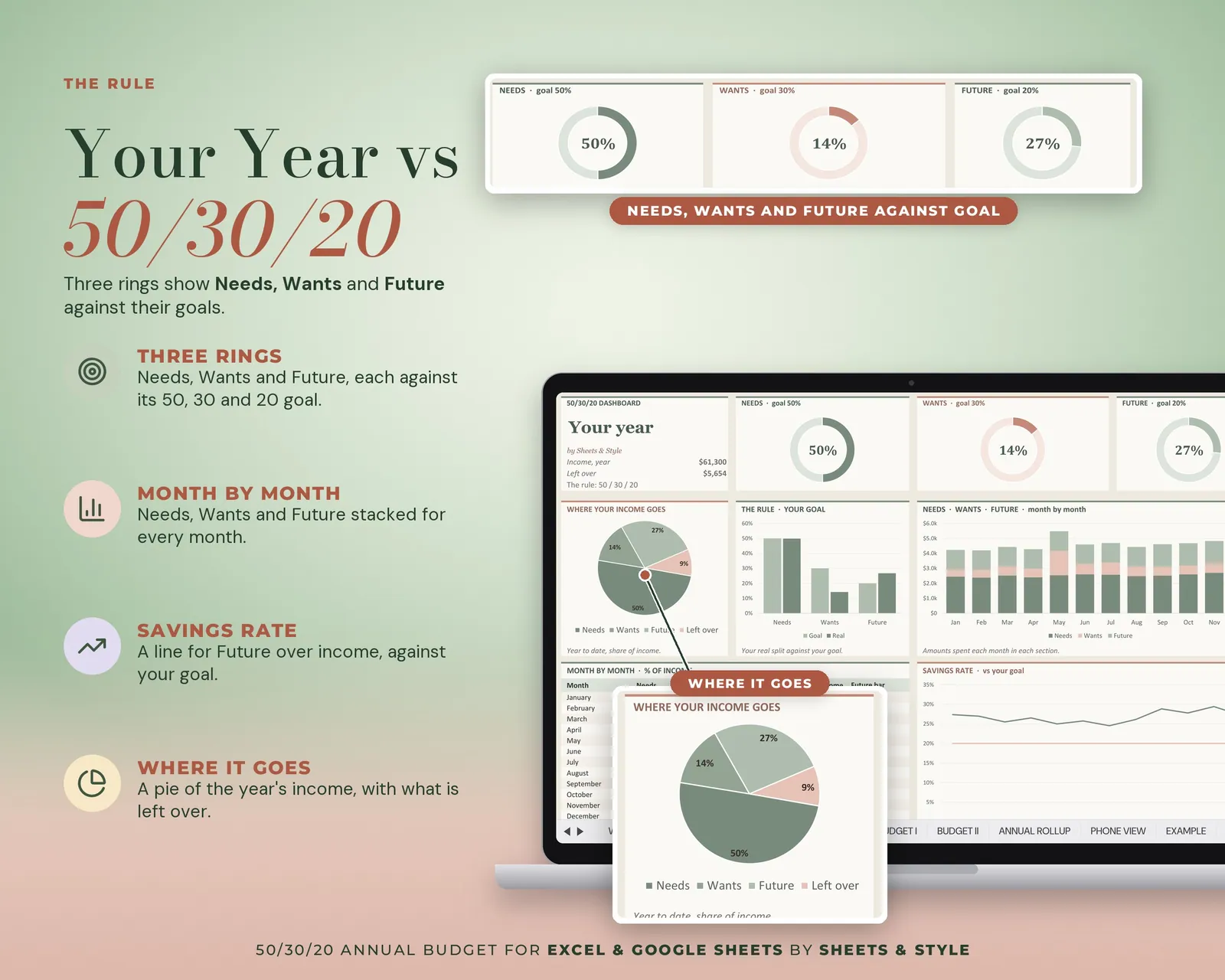
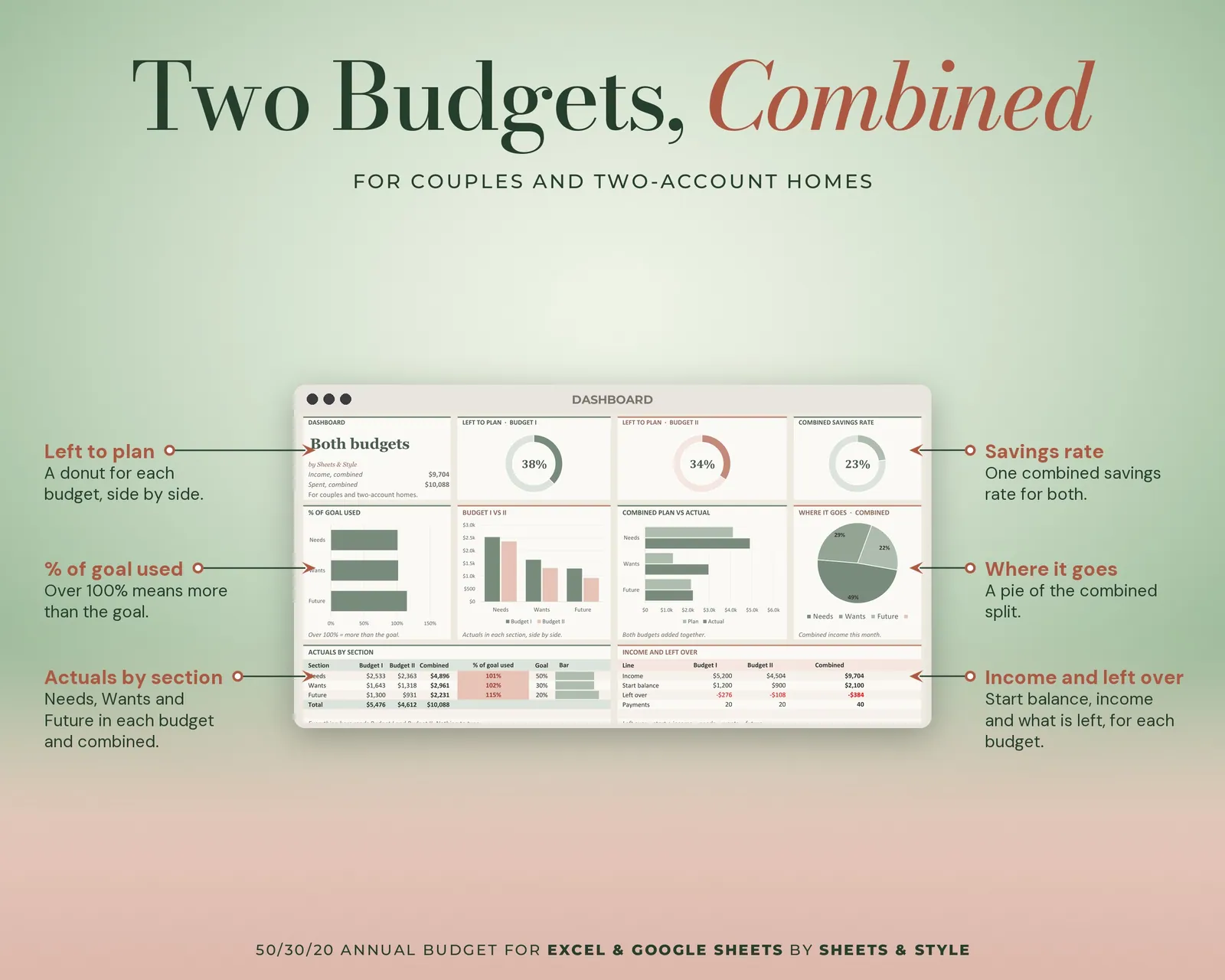
- 50-30-20 Dashboard: Big KPI cards, donut and bar charts. Needs, wants and future against your target
- Example: A fully filled month, so you can see what "done" looks like
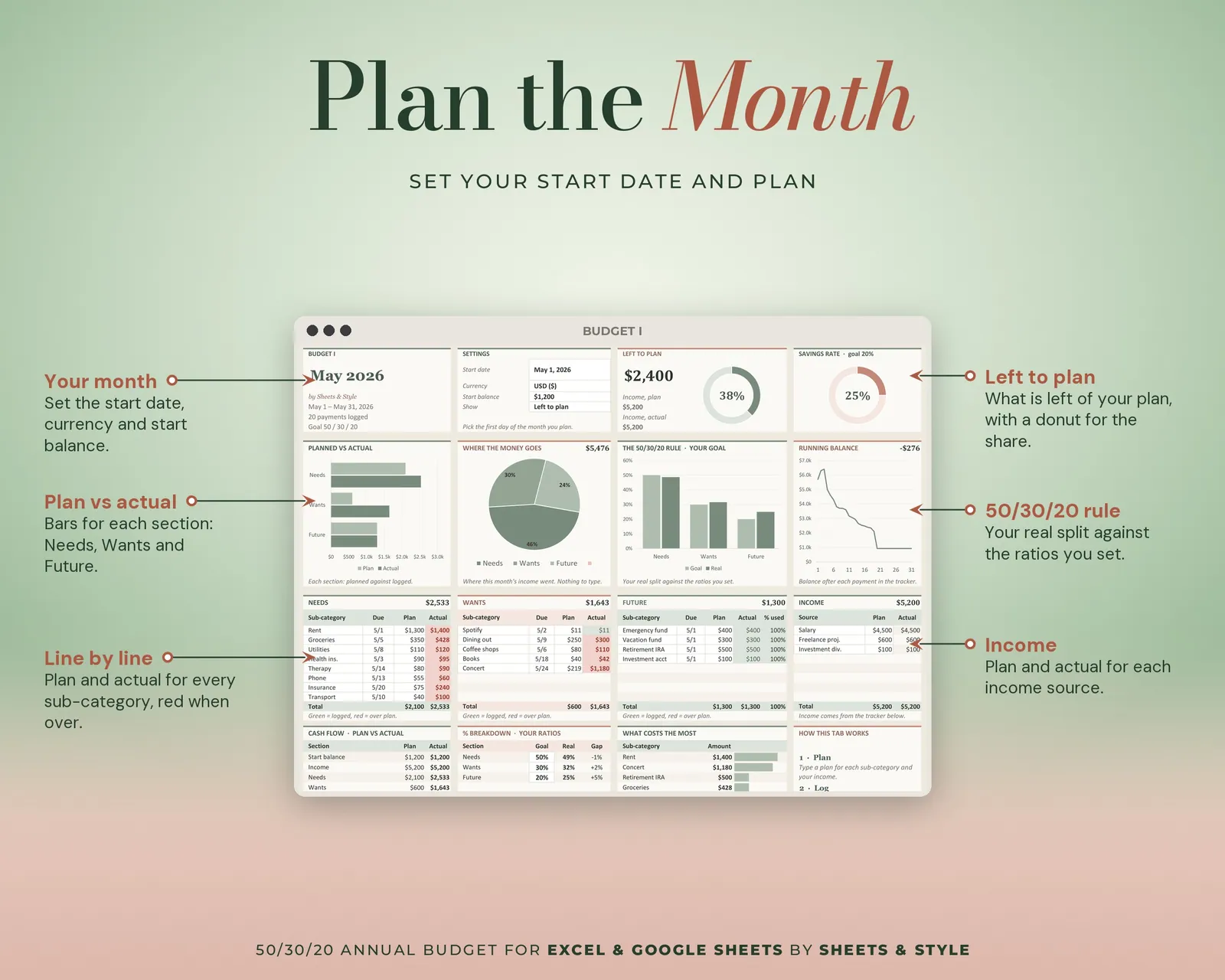
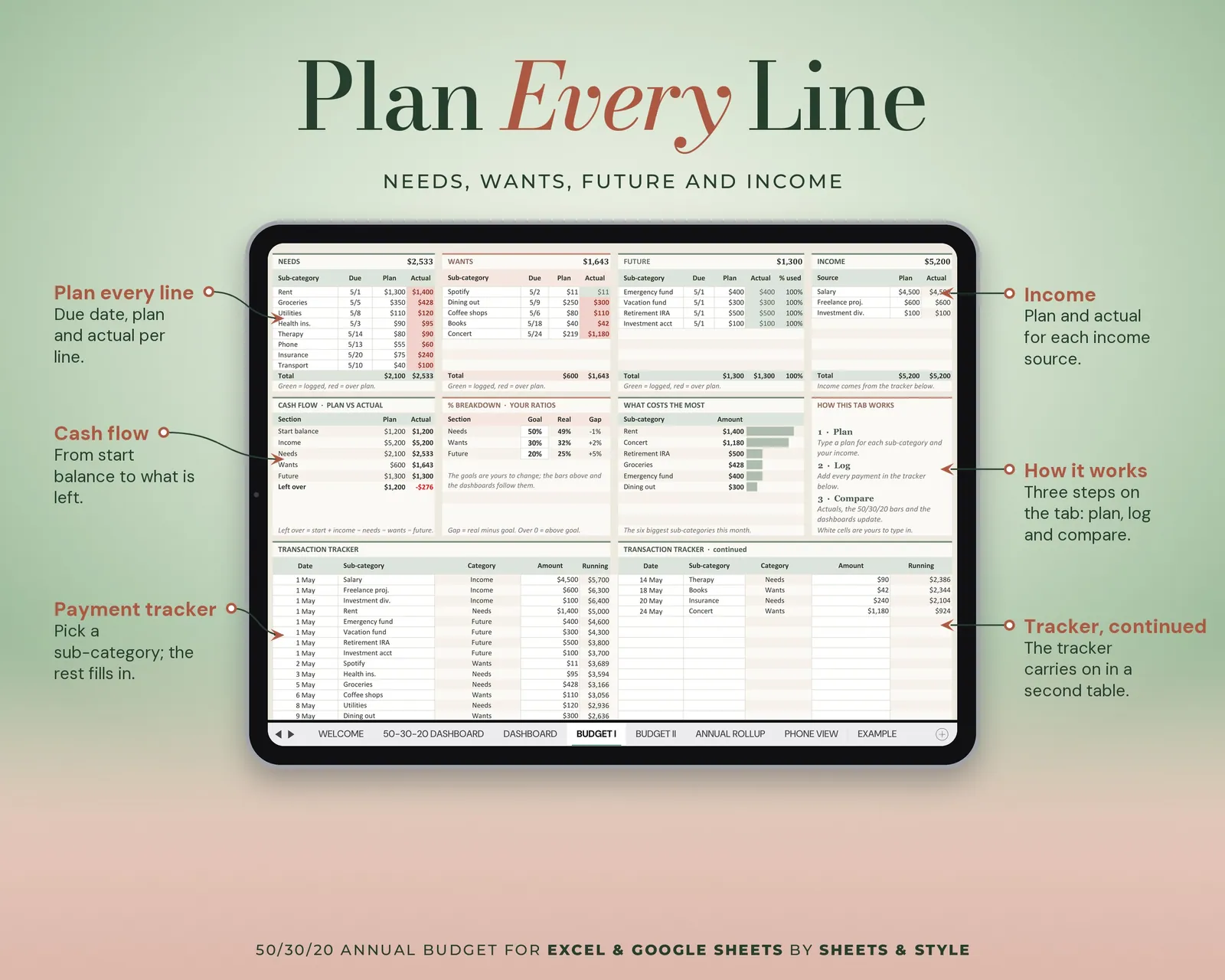
- Budget I: Your monthly budget, split 50/30/20
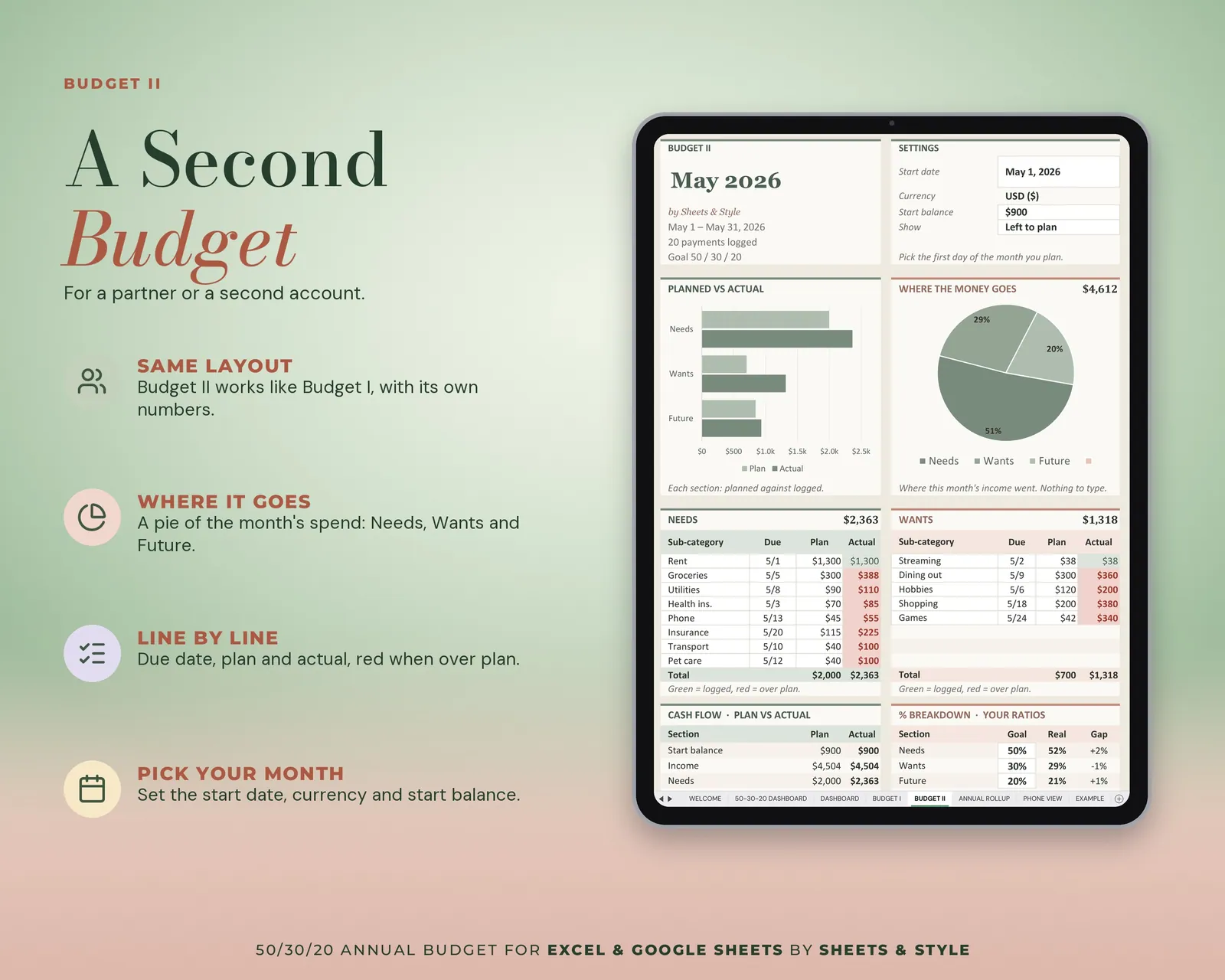
- Budget II: The same monthly template in a second color scheme; duplicate either tab for each new month
- Dashboard: Needs / wants / savings against target, with charts
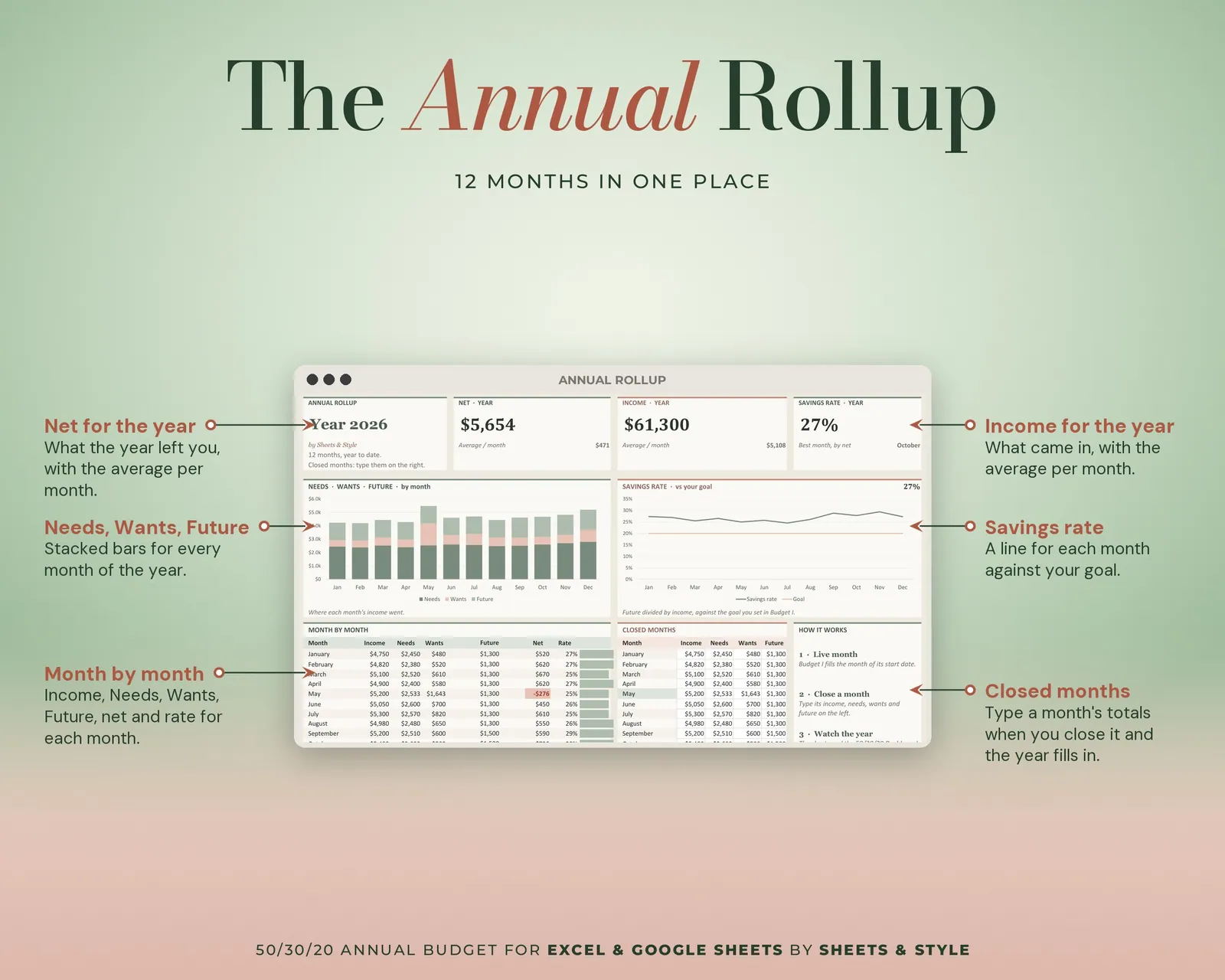
- Annual Rollup: The whole year of budgeting in one view
Features
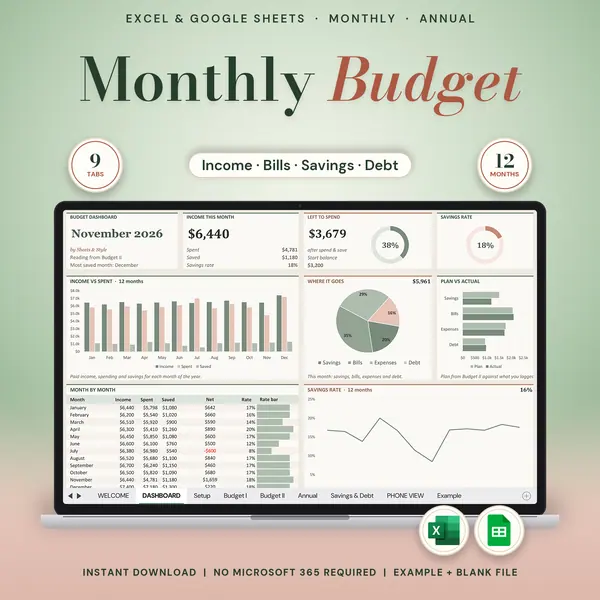
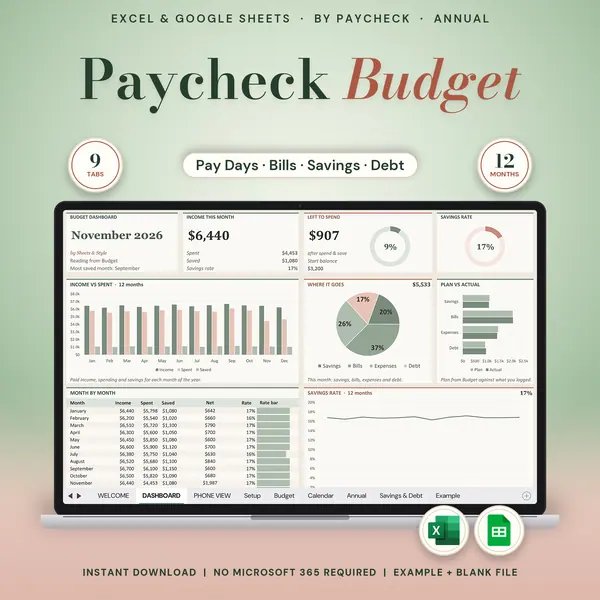
- Visual 50-30-20 Dashboard tab: big KPI cards (income, needs, wants, future, left over), donut and bar charts of your 50/30/20 split that update from your entries
- The split is calculated for you: no rebuilding percentages every month
- Targets vs actual, so the rule stops being theory
- Any currency, start any month, undated and reusable
- Small enough to actually keep using: 7 tabs, not 30
- Filled EXAMPLE workbook + clean BLANK workbook included
- Excel AND Google Sheets versions, both in this listing
- Every formula tested before publishing
You’ll need
- Microsoft Excel 2016 or newer (desktop; Microsoft 365 not required) or a free Google account for the Google Sheets version.
- Best on desktop or laptop.
More in Budget